
Media Buying for App Developers: From Store Visit to Retained Use
App advertisers need a paid route that leads to useful app activity, with the store, operating system and release version kept clear. Plan media buying for app developers around the action a new user should complete after installation. We help you inspect the journey, compare mature cohorts and use FroggyAds for the self-serve traffic execution your app campaign requires.
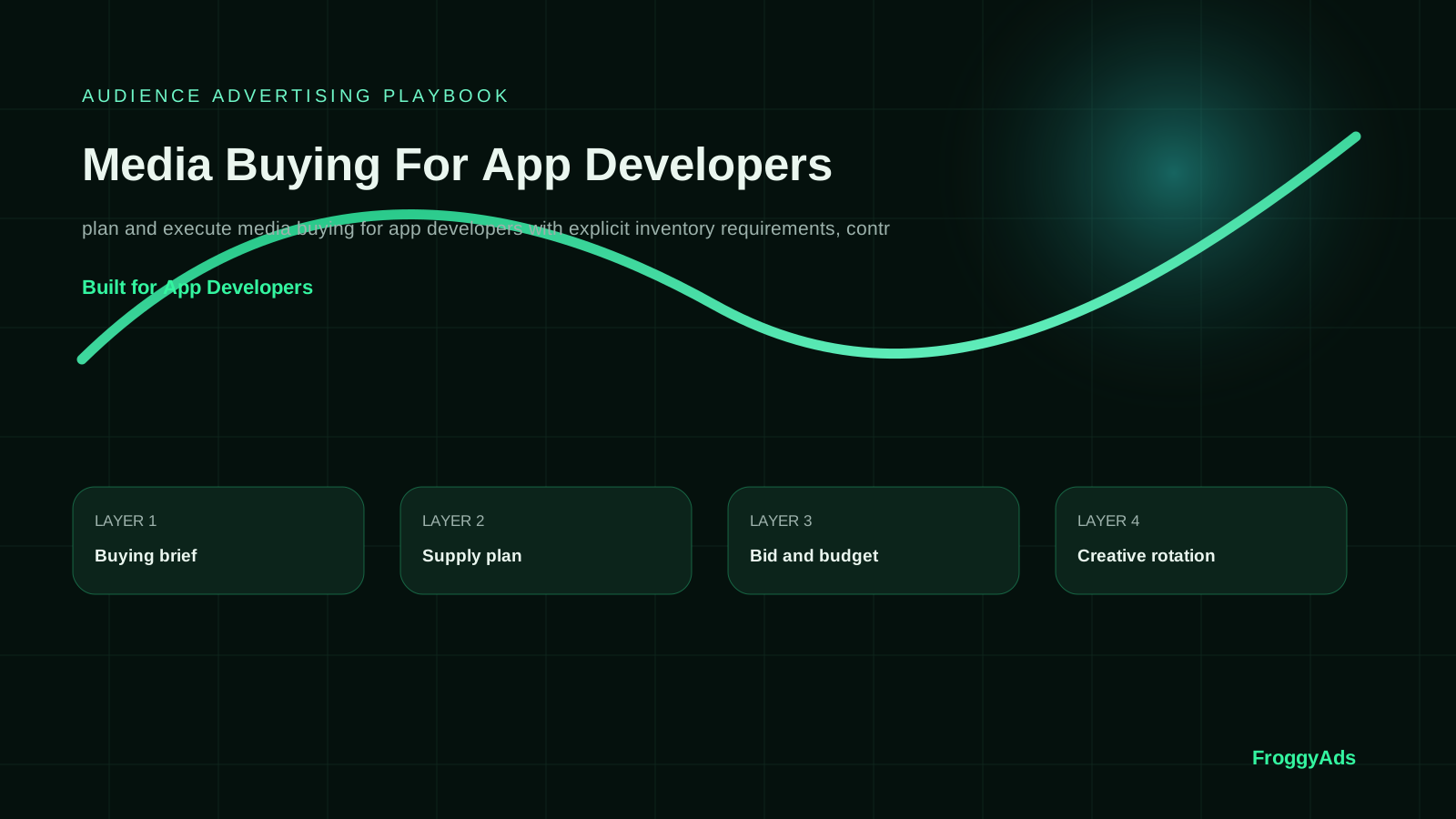
What should an app team verify before buying media?
Installs are a step in acquisition, not a complete measure of user value. Decide what first useful action the app should help a new user complete, then test the route from advertisement through the correct store and into onboarding. Define how you will observe that action and later retained use. A paid visit, a store download and a first app session can be recorded by different systems; confirm the relationship your actual implementation can support before comparing their costs.
Economics should follow the outcome your app business needs. Keep consumed media separate from creative, measurement and other relevant operating costs. Compare cost per recorded install with cost per activation and retained user at a declared age. Add collected revenue and applicable costs when those records are mature enough to use. A single low install price cannot tell you whether the acquired users reach value, require substantial support or continue using the app.
Low installation cost can conceal a mismatch between the ad and the first-session experience. Check whether users can reach the promised function, whether the relevant release works on the intended devices and where the observed journey stops. Separate a receiving-route fault from weak audience response. A campaign should not continue buying into a known onboarding problem merely because the delivery report remains inexpensive.
Build the app campaign around six linked decisions
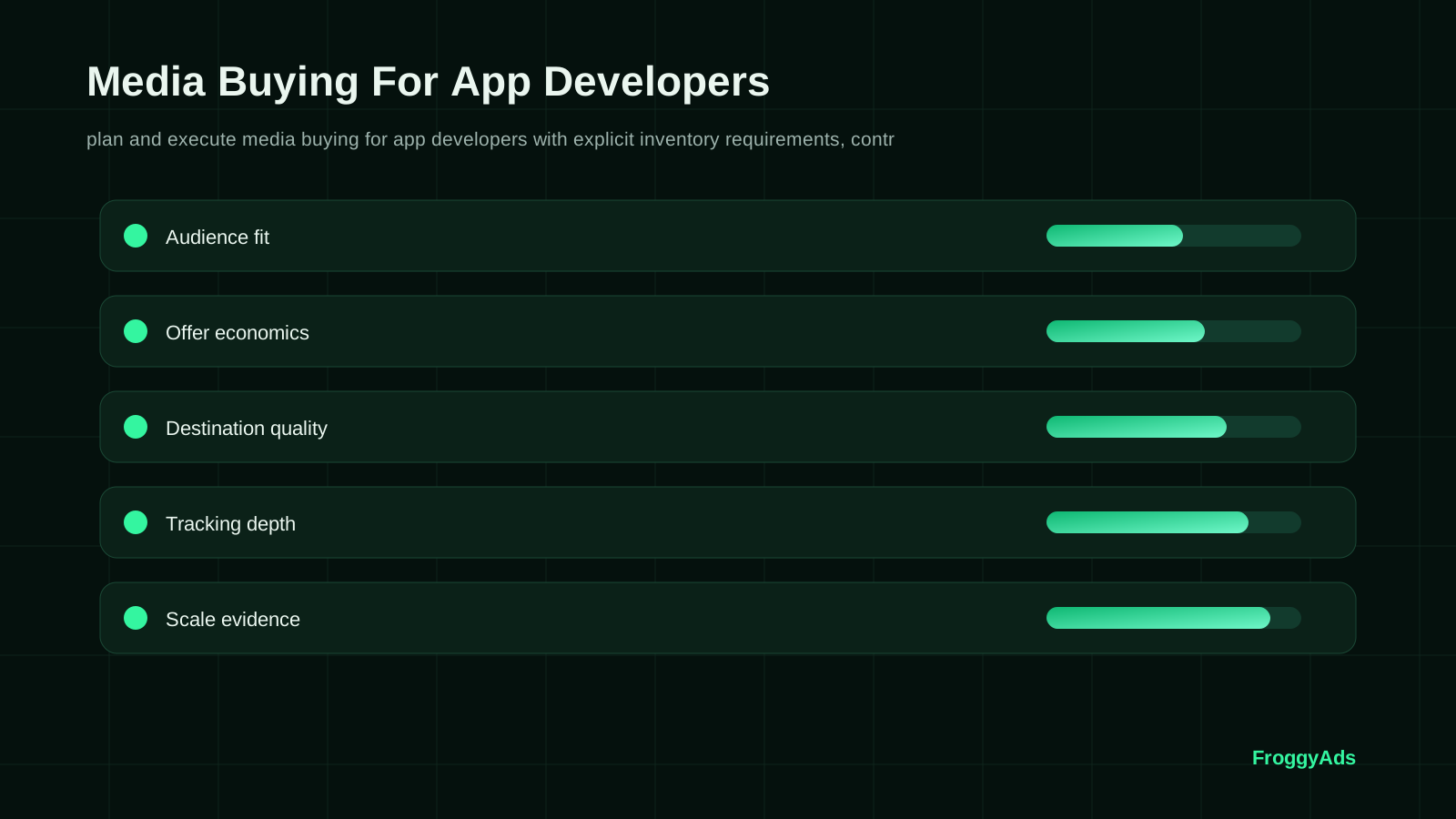
Six decisions connect the media purchase with the app experience. Use them to prepare one interpretable route rather than assume the same setup works across every store, device and release. Keep the person responsible for product behaviour involved alongside the buyer who controls the media commitment.
Define the useful app action
Brief the campaign with an app use case and an observable activation event. For a reading app, that might be opening a relevant article and saving it; for a task tool, it might be completing a real task. Choose an event that reflects your product's value rather than borrowing another app's label. Record the eligible user, observation window and release conditions so the result has a clear meaning.
Choose an eligible media and store route
Supply should fit the actual destination and app availability. Confirm the market, supported device or operating-system options and current campaign requirements. Test where a visitor goes when the app is available, unavailable or already installed, using the routing your implementation genuinely supports. Keep an unsupported condition visible rather than treating every click as an equivalent opportunity to install.
Set the media commitment
Budget the test around the question and the product's observation window. Agree how much media expense the team can commit while activation or retention is still pending. Confirm the applicable account controls and who may approve another purchase. If product reporting is delayed, review the remaining commitment; do not extend spend automatically because the install count is increasing.
Connect creative with the store listing
Creative should show a function or benefit the current release can deliver. Check that the store listing, screenshots and first-session experience support the same promise. Retain the relevant ad and listing versions where your records allow. A store-page experiment and a media-message experiment can answer different questions; record overlapping changes so the later result is not attributed to one intervention without evidence.
Verify the measurement scope
Measurement must be tested through the actual route. Follow a suitable test visit into the correct store and inspect the install, first-open and activation records your setup can produce. Confirm what can be joined to campaign or source data and what remains aggregated, delayed or unavailable. Privacy and platform conditions can limit the relationship. A click reference should not be described as a verified post-install identity unless the implementation demonstrates it.
Assign product and buying decisions
Ownership should distinguish the media buyer from the team responsible for the app release, onboarding and event definitions. Name who can pause delivery, repair a destination, investigate a missing activation and approve more spend. Keep a short record of material changes and affected cohorts. This helps an app fault receive a product response instead of being mistaken for a reason to change every bid or source.
Keep the promise consistent through the app journey
Store presentation influences what a prospective user expects before installing. Inspect the app name, description, screenshots and preview material relevant to the promised use case. Apple's product page optimization guidance covers testing icons, screenshots and app previews. Use the current store tools appropriate to your app, and keep their experiment conditions distinguishable from the media campaign when comparing results.
Consider a hypothetical language-learning app advertising a quick listening exercise. A visitor who reaches a general listing, installs and faces a long account setup may never reach that exercise. Review the route and first-session requirement before deciding the audience is unsuitable. The next useful test might clarify the promise or remove a verified onboarding fault. It should not simply purchase more of the same visits while the product barrier remains.
Releases can change the meaning of an acquisition cohort. Record the app version used for the activation comparison and the timing of material onboarding or event changes. Google Play documents that store listings are shared across tracks, including testing tracks, so a listing alone should not be assumed to identify a unique release. Verify the actual listing and app conditions that users experienced before treating a result as evidence about the latest build.
How do app developers run a reviewable media test?
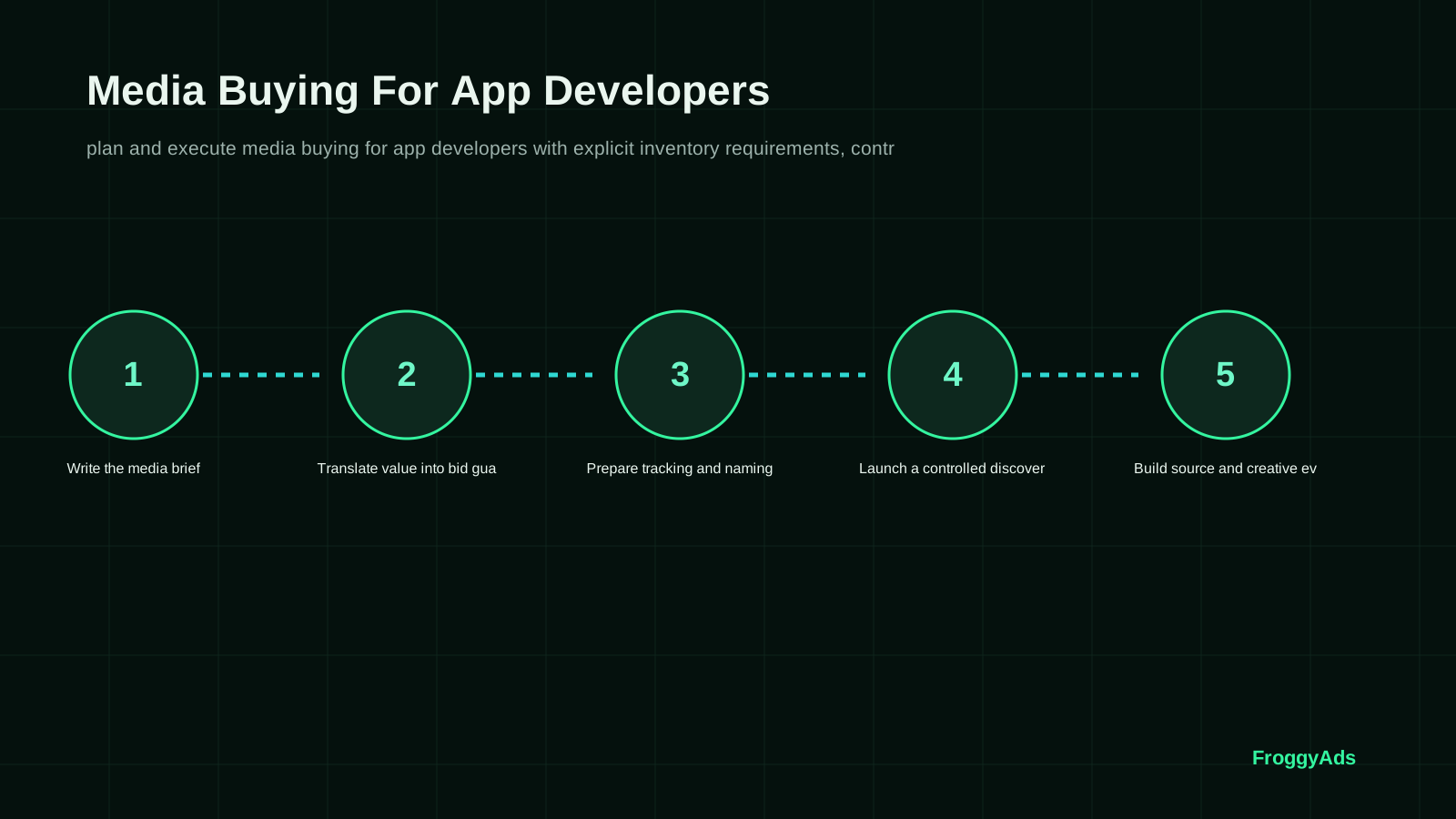
Follow seven steps to connect the campaign with a defined app outcome. The sequence should expose a broken route or ambiguous event before it becomes a larger media expense. It does not prescribe a universal launch calendar, install sample or acquisition price; those depend on the actual app, route and observation conditions.
Write the app-acquisition brief
Write the intended user, app use case, eligible market and first useful action in one brief. Identify the store route, relevant release and expected observation window. State which evidence would justify another commitment and what would require a repair or pause. Give the media buyer a product contact who can resolve an activation question without silently changing the business definition.
Translate user value into a test boundary
Translate the commercial objective into an affordable media commitment and an explicit review point. If retained value is unsettled, keep the assumption labelled and use a bounded learning expense. A target cost per install should be understood alongside the proportion that reaches the useful action and the age at which continued use will be assessed. Confirm the actual billable unit for the media purchase separately from those outcome measures.
Prepare routing and event checks
Prepare a test of the receiving route for the operating systems and devices relevant to the campaign. Inspect the destination, install or first-open record and chosen activation event where available. Check how existing users, internal tests and duplicated actions are treated. Retain the reporting scope and known gaps. A route that works in one condition should not be assumed to work for a different store or release without a check.
Launch a stable app experience
Launch the selected creative and receiving route with a manageable campaign scope. Inspect technical delivery and the app journey for actionable faults while preserving the learning question. Record a necessary product or routing repair with its timing. Keep the affected users distinguishable where the records support it, so the later review does not treat two materially different app experiences as one unchanged test.
Compare app cohorts with equal opportunity to mature
Compare the underlying counts: recorded visits or installs where measurable, first opens, activations and retained users at the chosen age. Keep the store, operating system and app version available where the actual records permit. A recent acquisition group has had less time to produce later use. Label it provisional instead of interpreting the missing future activity as proof of poor user quality.
Apply restrictions for a specific app issue
Exclusions should address the condition the evidence identifies. An unavailable app market, unsupported device experience or broken store route calls for a different response from a sparse but valid retention result. Use the relevant controls your account actually provides and record why they changed. Revisit a restriction only under an eligible, bounded test rather than remove it because the campaign needs additional volume.
Expand the next defined app test
Expand after the mature cohort supports a specific next purchase and the receiving app can handle it. Explain whether you are increasing the same route or introducing a different market, release, format or message. Recheck the changed condition and retain the earlier useful setup. More media can expose a different app experience or audience mix, so give the next commitment its own review point.
How should you measure installs, activation and retained use?
Activation should identify a useful app action, not simply repeat the definition of first open. Document the event, eligible users and window, including how internal or duplicated activity is excluded. State whether its cost includes media alone or the wider campaign expense. Keep recorded installs and useful actions visible separately so a more permissive event cannot quietly make acquisition look cheaper.
Retention needs a defined behaviour and review age. Specify whether you mean returning to a core function, another session or another action appropriate to the app. Compare cohorts that have reached the same observation point. Keep the relevant operating system and release context where measurable. An app remaining installed is not automatically evidence of active use, and a newly acquired user cannot yet supply the same retention history as an older one.
Reconciliation connects the media report with the store and product evidence at the scope your setup supports. Explain reporting delay, different event definitions, duplicates, missing matches and unavailable dimensions. Do not allocate the same aggregated app outcome to several sources to create an appearance of precise attribution. A campaign-level comparison with a declared limitation is more useful than a source-level acquisition cost whose denominator cannot be verified.
| Review layer | Record to inspect | Condition to verify | Next decision |
|---|---|---|---|
| Delivery | Media expense and available campaign activity | Eligible market and verified receiving route | Repair an unavailable or broken route |
| Experience | Correct listing, install route and first-session experience | Matching promise and relevant app release | Resolve verified onboarding friction |
| App activity | Recorded installs, first opens and defined activations | Event definition, duplicate handling and actual reporting scope | Compare the useful-action cost your records support |
| Economics | Retained behaviour, collected value and applicable costs | Equal observation age and affordable next commitment | Pause, refine or expand from mature evidence |
Three app-acquisition decisions that need different checks
Three situations can all appear as a request for more installs, but the useful next action differs. Inspect the app journey, measurement scope and release conditions before changing media settings. Keep the recommendation tied to the problem that can actually be observed.
Installs arrive, but users do not reach the useful action
Onboarding review should inspect the path the acquired cohort actually experienced. Confirm that the advertised function exists in that release and can be reached under the relevant device conditions. Examine where measured users stop and what remains unobserved. A verified first-session fault deserves a repair before another purchase; a functioning journey with weak response may require a different message or eligible audience test.
Android and iOS reports appear to disagree
Operating system comparisons need matching definitions and a clear account of what each measurement route can observe. Check the relevant store, attribution scope, reporting delay and cohort age before interpreting a difference as user quality. The same creative can also lead to different listings or app experiences. Retain the limitation where the data cannot support a direct comparison, and evaluate the next media commitment at the verified scope.
A new release changes the activation result
Version changes can alter onboarding, stability or the event itself. Record the affected release and date, then inspect whether the new measurement still describes the original useful action. Where possible, keep acquisition groups with different app conditions distinguishable. A lower activation cost after release may be promising, but the buying team should understand the product change before crediting it entirely to a media adjustment.
Eight mistakes that can weaken an app-media decision
Avoid these mistakes because they can disconnect the next media purchase from the useful app outcome. Give each identified issue an owner and a concrete correction. Keep a product repair, a reporting limitation and a completed negative audience test distinguishable in the review.
- 01Optimizing for cheap recorded installs can hide weak app use. Read activation beside retention at the agreed cohort age.
- 02Simultaneous changes to the ad, store page and onboarding obscure the comparison. Record the combined intervention or keep the other conditions stable.
- 03Blended reporting can conceal different app experiences. Keep the store route and app version available where your records support them.
- 04Click-only decisions can miss an unavailable listing or broken first session. Inspect the actual receiving route before judging the acquired audience.
- 05Unreconciled app events weaken an acquisition-cost comparison. Explain missing joins and retain the verified report scope before using the ratio.
- 06Dependency on one creative or route leaves a changed release difficult to assess. Define a bounded follow-up and preserve the earlier conditions that made the comparison useful.
- 07Ignoring store or offer restrictions can make the intended route unsuitable. Verify the current requirements and approved promise before buying the traffic.
- 08Subsidising weak app cohorts with an older result hides the next purchase's cost. Keep cohort age beside the media expense in the review.
Use app-evidence milestones instead of a fixed calendar
Milestones should follow receiving readiness and the app event's observation window. A schedule can organise checks, but it cannot make retained-use evidence mature sooner. Keep the media boundary in force while the app cohort develops and decide explicitly whether another purchase answers a useful new question.
Before purchase: test the intended app route
Before purchase, inspect the relevant listing, receiving route, release and activation record. Confirm who can resolve a product fault and which report the buyer will use. Agree the affordable commitment and the condition for pausing it. The useful output is a campaign connected with an inspectable app experience, rather than an install forecast detached from the product.
During delivery: watch faults and changed versions
During delivery, monitor the actual media report and the app journey for faults that justify intervention. Record a change to the listing, routing or release with the affected period. Keep the original learning question stable where practical. A necessary repair may improve the experience, but the review must be able to explain which conditions the later cohort encountered.
After the window: compare useful app activity
After the chosen observation window, compare the available install, activation and retained-use counts under their declared definitions. Reconcile the report scope and unresolved gaps before approving more spend. Explain whether the evidence points to an app barrier, message mismatch or a useful acquisition route. A limited result should support a correspondingly limited next decision.
At the next commitment: recheck the app conditions
At the next commitment, confirm that the app remains available to the intended audience and that the receiving experience supports the promise. State the change you propose and the evidence needed afterwards. Preserve the prior useful configuration and product context. A new release or store route should receive a suitable check rather than inheriting confidence from an older acquisition cohort.
First-party listing and implementation references
Consult the Apple reference for product-page tests of icons, screenshots and previews, and the Google Play reference for app setup, listings and release context. URL builders and Web Vitals address the web part of a receiving journey. Use each source for the system it documents, then verify the app measurement and current buying settings your own campaign actually uses.
- Apple Product Page OptimizationFirst-party guidance for testing app icons, screenshots and previews.
- Google Play app setup and listingsFirst-party app, store-listing and release context for Play Console.
- Consistent campaign parametersGoogle Analytics URL builders for the web part of the receiving route.
- Web VitalsOfficial user-experience measurement context for a web receiving page.
Media buying for app developers: ten practical questions
Answers focus on the route into the app, useful activity after installation and the evidence needed for another media commitment. Use them with your product and buying teams so the campaign report and app experience remain connected.
What should media buying for app developers accomplish?
Acquisition should bring relevant users to an app experience that fulfils the advertisement's promise. Define the useful action after installation and how later use will be assessed. We recommend connecting the media purchase with those verified product outcomes, then approving another commitment from mature evidence rather than install volume alone.
Which acquisition metric should an app team use?
Choose measures that distinguish recorded installs, activation and retained use at a declared age. Compare their costs with a consistent expense scope and the underlying counts. Add collected value as the cohort matures. An inexpensive install is useful only in the context of what that user can do and what the business can verify afterwards.
How should an app campaign be segmented?
Segment by distinctions that change the buying decision, such as store, operating system, app version, creative promise and acquisition period, where the records support them. Avoid turning a small group into a durable quality conclusion. Keep a dimension unavailable rather than invent a finer attribution relationship than your actual implementation provides.
What is the biggest risk in app-install media buying?
Mistaking low recorded install cost for useful retained demand can justify spending into an app problem. Review first open, the defined activation event, stability observations and later use alongside the initial count. Test the receiving route and keep a clear media commitment while product or measurement issues are investigated.
Which destination should an app advertisement use?
Match the destination to the intended store, eligible audience and promise. Test the actual route into the listing and app experience, including the conditions your campaign will encounter. Confirm the approved destination and current requirements. Do not assume a deep-linking or deferred-routing feature exists unless your own implementation demonstrates it.
Can a smaller app campaign produce useful evidence?
Yes, when the purchase answers one focused question and the business can afford the possible loss. Keep the route, message and product conditions manageable. Some retention or comparison questions will require more observations or time than that commitment supports; document the limit and choose the next question accordingly.
How long should an app media test run?
Duration depends on delivery, the useful app event and the retention window chosen for review. Inspect technical faults during delivery and compare the cohort after it reaches the relevant age. Avoid extending spend automatically while later product outcomes remain pending. A calendar date alone does not establish a mature result.
When should an app team increase media spend?
Increase the next commitment when the relevant app cohort has matured, report scope is understood, product conditions remain suitable and the business can afford the step. Recheck a changed release, destination or audience. Give the expanded campaign its own review point instead of assuming the earlier outcome transfers unchanged.
What should connect the media report with app analytics?
Record the campaign scope, available identifiers, store route, relevant release, creative version and cohort dates. Inspect how install, first-open and activation events are defined and which joins can be verified. Keep aggregated, delayed or missing information visible. Use the finest scope the actual records support for the acquisition comparison.
How can FroggyAds support an app-developer campaign?
Our self-serve buying environment provides supported Push, Native, Display, Pop, Video and Interstitial formats with the targeting, bids and budgets available for your campaign. Choose us to operate a focused paid route, then connect the media evidence with your own verified app outcomes. The product, message, receiving experience and ongoing decisions shape the result.
Choose the next app-advertising resource
Related resources serve different tasks. Ad Network For App Developers supports provider comparison, Online Advertising For App Developers covers the wider channel plan, and Self Serve Ads For App Developers addresses account operation. Media Buying For Small Business offers a separate business context. Keep this guide focused on the app route, release-aware cohorts and useful activity after installation.
Start an app campaign with a verified receiving route
Start the paid-media part with FroggyAds when your app team wants direct self-serve control of the campaign. Bring credible creative, a suitable destination and a defined useful action. Keep the release and cohort context visible, then review the product evidence before approving the next media purchase.
Keep the app-media decision tied to usable product evidence
Developers can use What Is Media Buying for the broader purchase model. Here, connect the paid route with the correct listing, app release, first useful action and mature cohort. The practical decision is whether that observed journey deserves another media commitment, a product repair or a narrower measurement check.
Technical buying terms matter when they explain the route you use. A demand-side platform buys media, a supply-side platform represents inventory, an ad exchange connects buying and selling, and real-time bidding describes an auction process. Confirm the actual account controls and reporting scope; these terms do not establish that a paid click can be linked to an individual app event.
| Decision point | App-team action | Record for the review |
|---|---|---|
| Fit | Define the app use case, receiving route and useful action. | Approved promise, store/release context and activation definition. |
| Test | Run the focused campaign while recording relevant app changes. | Media report scope, available identifiers and dated product cohort. |
| Decision | Repair the identified issue or approve a specific next commitment. | Mature activity counts, unresolved limits and the reason for the action. |
Hypothetical calculation: two equally mature cohorts each consume USD 400 in media. Route A records 100 installs, 20 activations and five retained users, giving USD 4.0 per recorded install, USD 20 per activation and USD 80 per retained user. Route B records 80 installs, 40 activations and ten retained users: USD 5 per install, USD 10 per activation and USD 40 per retained user. The cheaper install belongs to A, while the cheaper useful outcomes belong to B. These invented counts illustrate denominators under assumed comparable definitions; they are not FroggyAds results, operating-system benchmarks or a promise that a route will repeat. Other campaign costs are excluded.
Create a focused app-media campaign with FroggyAds when you want direct self-serve execution. Confirm the receiving route, credible promise and affordable commitment, then review useful app activity at the scope your records can verify. Keep the product and media decisions connected as the cohort matures. Create your free FroggyAds account.
What matters before an app team buys more media?
Buy for a usable app journey and a defined action after installation. Keep the store, operating system, release and cohort age clear where measurable, and compare the cost of useful activity with the initial install price. Choose FroggyAds for the self-serve media execution behind that focused, reviewable campaign.