
Your media-buying tracker
- ad tracker for media buying
Choose and implement an ad tracker for media buying using click IDs, cost data, postbacks, attribution, reporting, security and reconciliation controls.
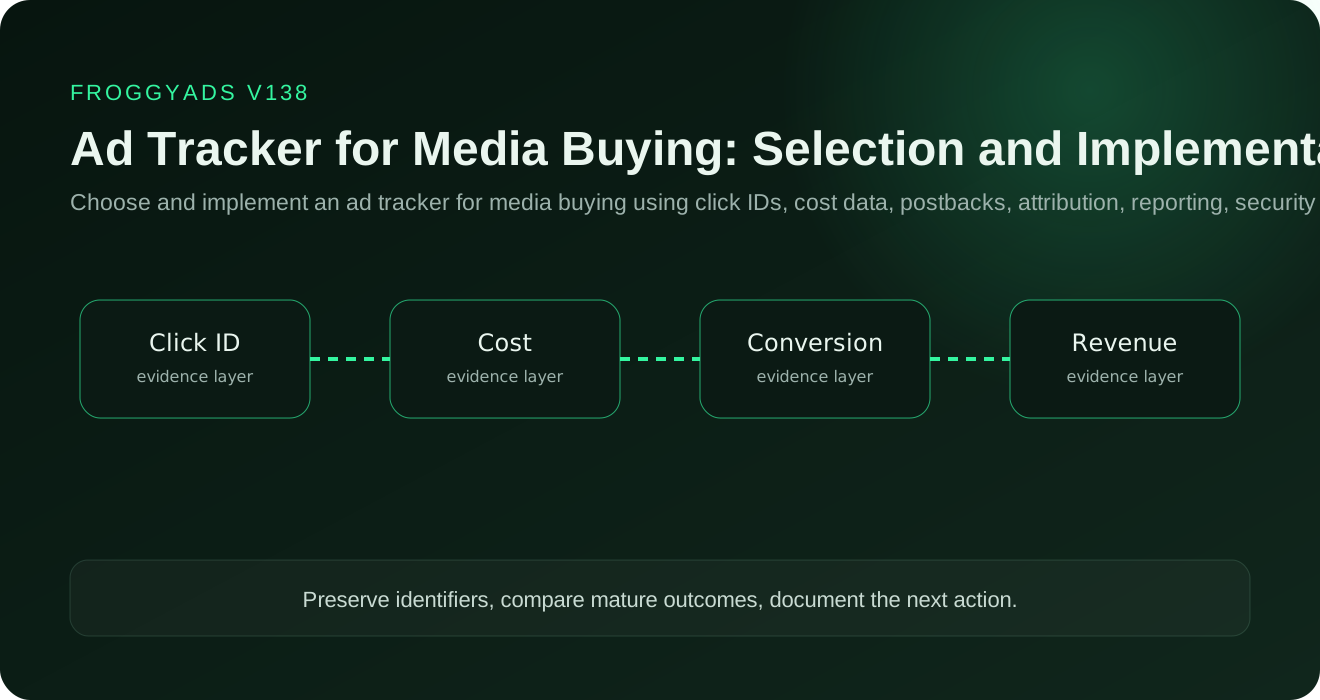
Quick answer: Choose an ad tracker that preserves the link between a paid click, its source, the resulting order or lead, and the value your business accepts. Test duplicate callbacks, separate purchases from the same click, delayed approvals and missing identifiers before you rely on its reports. Use FroggyAds for traffic buying and source-level campaign control, and evaluate your tracker as a separate measurement system. The acceptance-test example below shows why seven callback messages can represent only two approved orders, and how that difference changes your acquisition-cost calculation.
| Section | Distinct excerpt from this page |
|---|---|
| The tracker’s actual job | The main failure to avoid is redirect loss, duplicate callbacks, incorrect costs, attribution drift and dependence on a dashboard that cannot be reconciled. |
| Design the campaign data model | For ad tracker for media buying, the team should standardize campaign, source, placement, creative, offer, landing page, GEO, device and time identifiers before launch. |
| Preserve click IDs through redirects | For ad tracker for media buying, the team should use a persistent unique click key and verify every redirect, parameter encoding rule and destination handoff. |
Reference for Ad Tracker for Media Buying: Setup and Testing: Google Ads conversion tracking definition.
An ad tracker for media buying records the click path, campaign parameters, cost, conversions and revenue needed to compare sources and creatives. The tracker is an evidence system, not a substitute for accurate business events, traffic-source rules or mature payout data.
Event: a click or impression linked to a verified conversion record.
Decision: whether the measurement chain is complete enough to support budget decisions.
Primary risk: broken identifiers, duplicate events, attribution drift or unreconciled dashboard differences.
| Layer | Evidence to preserve | Action rule |
|---|---|---|
| Delivery | Campaign, source, placement, device, GEO, schedule and creative identifiers where available. | Do not optimize a blended result when the controllable delivery units can be separated. |
| Measurement | Timestamped impression or click records, conversion identifiers, values, currency and acceptance status. | Reconcile platform data with first-party or partner records before a large budget change. |
| Quality | Session behavior, invalid-event signals, conversion validity, downstream value and repeat patterns. | Separate suspicious activity from ordinary low performance and document the evidence behind exclusions. |
| Change control | Previous settings, hypothesis, observation window, loss ceiling and rollback state. | Change one material variable at a time and restore the stable state when the declared stop rule is reached. |
The tracker’s actual job starts with a precise operating boundary. For ad tracker for media buying, the team should separate traffic-source delivery, tracker routing, analytics and business records so each system has a defined responsibility. That boundary prevents the page, tracker or campaign interface from becoming the definition of success. The declared role is to connect paid delivery to verified conversions, cost and revenue without losing source-level identifiers. Record who owns the input, who can change it and which timestamp or identifier proves that the rule was applied.
Build the evidence around the complete impression or click to accepted-outcome evidence chain. Preserve the original campaign and source values, the applicable configuration, the observed event and the later business status. Compare like with like: the same attribution window, currency, time zone, approval state and reporting cutoff. When a field is missing or modeled, label it instead of silently treating it as exact. This makes discrepancies diagnosable and keeps optimization decisions reversible.
The action question is whether the tracker is reliable, transparent and operationally suitable for the campaigns being purchased. Use an allow, limit, investigate or stop outcome rather than an unsupported good-or-bad label. The main failure to avoid is redirect loss, duplicate callbacks, incorrect costs, attribution drift and dependence on a dashboard that cannot be reconciled. Before changing spend, save the current configuration, write the hypothesis and set a loss ceiling. After the observation window, keep the change only when the mature evidence improves the declared business result without creating a new quality or compliance problem.
Standardize campaign, source, placement, creative, offer, landing page, GEO, device and timestamp fields before traffic starts. Decide which system owns each field and keep naming rules stable so cost and conversion exports can be joined without manual guesswork.
Use one persistent click identifier through every permitted redirect and destination handoff. Test URL encoding, parameter names and fallback behavior on the real devices you buy. If the identifier disappears anywhere in the route, source-level attribution is not reliable enough for budget decisions.
Validate browser events and server-to-server postbacks with known test conversions before meaningful spend. Define authentication, deduplication, retry handling and accepted-event status so one business outcome cannot be counted twice or silently lost.
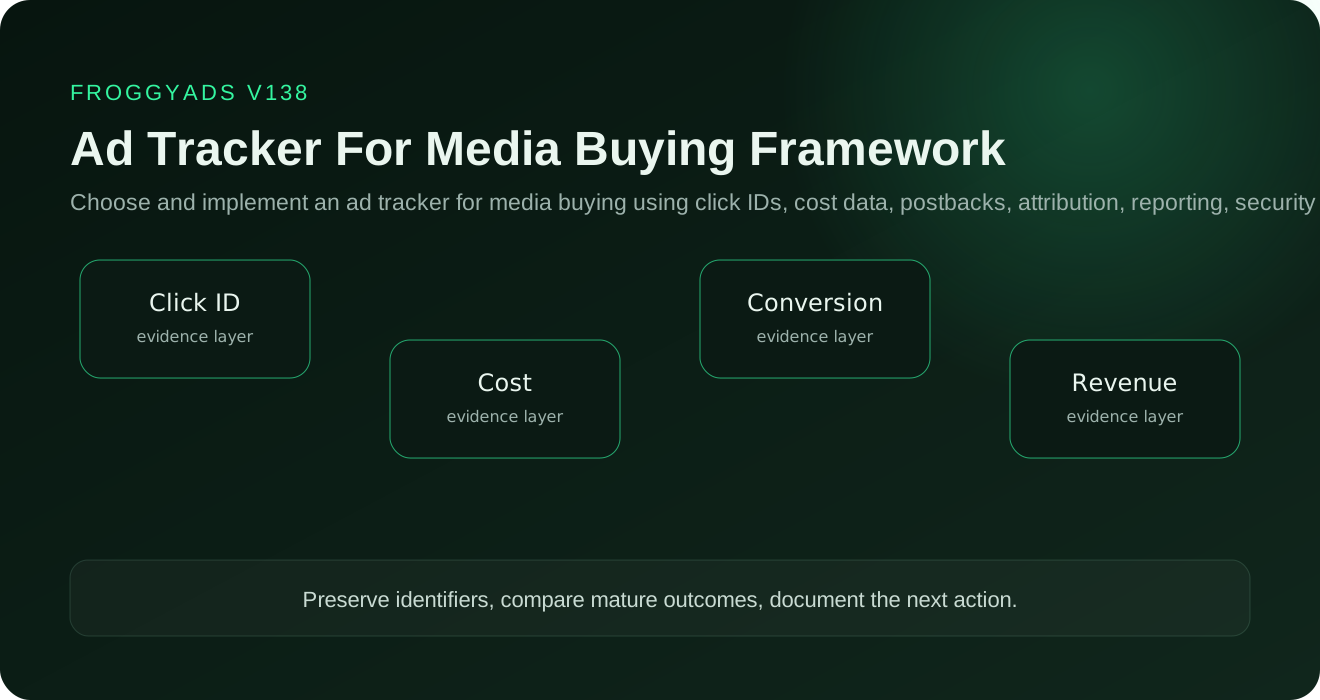
Separate estimated media cost from final spend, and raw conversion value from approved payout or collected revenue. Include refunds, reversals or chargebacks where they affect the buying decision. A tracker should make provisional and mature economics visibly different.
Document which touchpoints are eligible, how long the attribution window remains open and how direct or returning sessions are handled. Use the same rule across compared campaigns; changing attribution while comparing sources can create a false performance difference.
Measure redirect latency, data freshness, callback queues, uptime, backups and recovery under realistic traffic volume. A tracker that records correct data too late for campaign decisions, or loses events during load, creates operational risk even when its interface looks complete.
Limit sensitive parameters, use named roles, secure tracking domains and callbacks, and define retention and export rules. Give operators only the access required for their job and review integrations that can expose campaign, customer or revenue data.
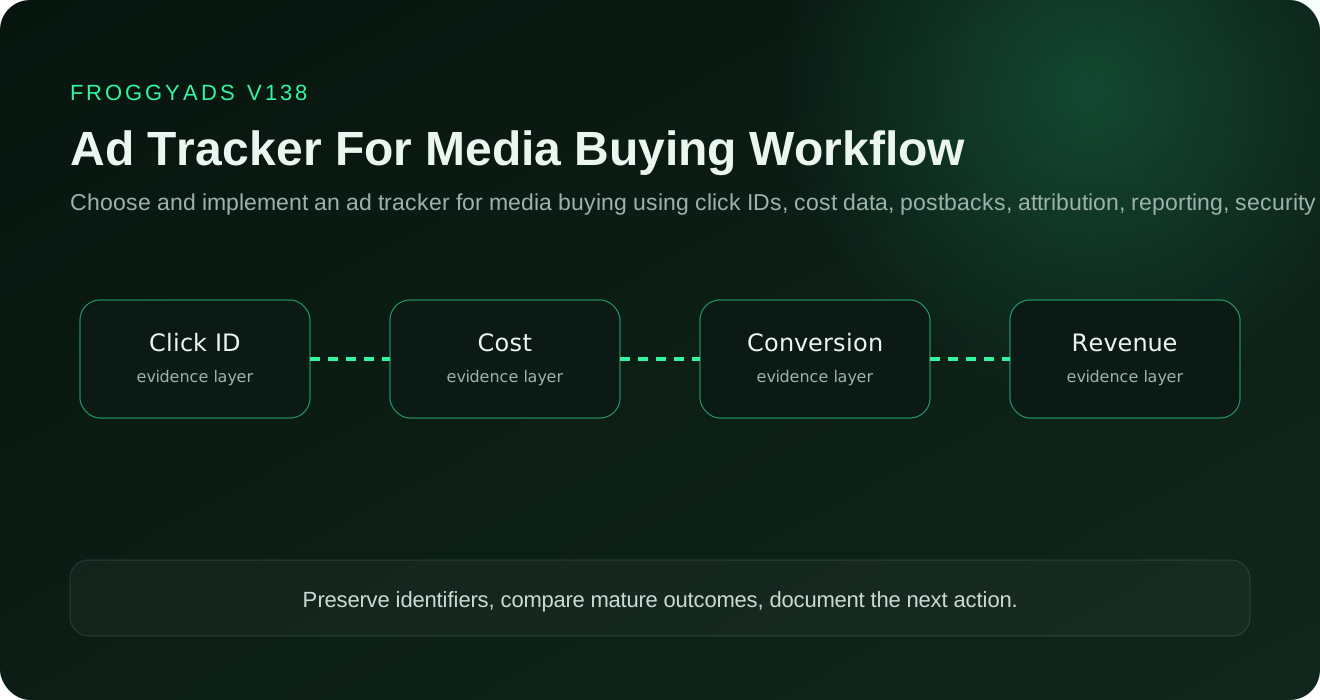
Build source, placement, creative and offer views that join spend with accepted conversions and mature value. The report should make the next action obvious: keep, investigate, reduce, block, retest or scale a segment under a documented rule.
Use a test campaign with known clicks and conversions, then compare traffic-source, tracker, analytics and backend records. Force duplicate, retry and delayed-event cases and reconcile totals before live budget depends on the setup.
Freeze naming conventions and parameter mappings before migration. Export the old configuration, run old and new trackers in a limited overlap, document the cutover timestamp and reconcile both systems before retiring the previous route.
Score only requirements that can change an operating decision: required integrations, click-ID integrity, postbacks, cost import, attribution, reporting depth, privacy, support, reliability and total operating cost. Keep unknown values unknown until they are tested.
A tracker connects clicks, costs, conversions, and revenue across the buying route. Network reporting still matters, but the tracker gives the buyer one record for comparing sources and offers.
A click ID links a visit to its campaign, source, creative, and later conversion. It must survive redirects and reach the conversion callback for source-level attribution to work.
A postback is useful when the offer platform can send a conversion directly to the tracker with the stored click ID. Browser pixels remain suitable for supported web events but can be affected by browser restrictions.
Send known test clicks through the complete redirect path and trigger a controlled conversion. Confirm the same identifiers and status appear in every connected system before launch.
Accurate cost turns conversion counts into usable acquisition and margin figures. Include network spend and any tracker charges that belong to the campaign decision.
Choose a rule that matches the buying decision and apply it consistently across compared campaigns. Record the conversion window and treatment of repeat visits so later reports can be reproduced.
Compare time zones, click IDs, redirect logs, duplicate rules, rejected conversions, and reporting delays. Diagnose the stage where records diverge before changing bids or blocking supply.
Give each user only the permissions needed for the job and protect administrative accounts with strong authentication. Review integrations and exported data because they can expose campaign or customer information.
Yes, if naming rules, identifiers, cost data, and prior reports are mapped before the switch. Run both records during a limited overlap so gaps are found before the old route is retired.
Use a report that joins spend and accepted value at the source, placement, creative, and offer level. The buyer should be able to pause, retest, or expand a segment from the same view.
Define one objective, preserve source-level evidence and set the stop or scale rule before increasing spend.
Before changing FroggyAds campaign spend, test the identifiers and conversion route your setup supports. Reconcile test clicks, costs and accepted business events. Your tracker remains responsible for routing, attribution and discrepancies.
| Decision | What to verify | Action |
|---|---|---|
| Identifier integrity | Campaign, source, creative and click IDs survive the complete route. | Stop optimization when identifiers are lost or rewritten unexpectedly. |
| Conversion integrity | Pixels or S2S postbacks reconcile with the backend accepted event. | Diagnose missing, duplicate or delayed events before changing bids. |
| Cost and value | Currency, media cost, approved value and reversals use consistent definitions. | Keep provisional and mature economics separate. |
| Attribution | The same window and touchpoint rule is used across compared campaigns. | Do not compare sources under different attribution rules. |
| Operations | Exports, access, latency, backups and support fit the buying workflow. | Choose the tracker only after a controlled implementation test. |
We recommend choosing an ad tracker by the decisions it lets you verify, not by the number of metrics on its dashboard. Before you connect a live FroggyAds campaign, test whether the complete route preserves click identity, distinguishes separate orders, handles repeated messages and reconciles approved value. This is a tracker-selection exercise: the postback setup guide covers the receiving route, while our conversion-tracking guide covers the business event you choose to measure.
A click identifier answers which recorded visit led to an action. An order or transaction identifier answers which business action occurred. One visit can produce two genuine purchases; one purchase can also produce several notifications. Deduplicating every event by click ID alone can discard the second purchase. Giving every retry a new transaction identity can inflate the first one. Your test must distinguish these cases before a conversion count influences source spending.
For example, Keitaro's postback documentation requires its subid and status parameters and describes tid for recording additional conversions rather than overwriting an earlier one. Voluum's parameter guide stresses matching the identifier passed to the offer with the token returned by the affiliate network. These are vendor-specific instructions, not FroggyAds macro names or a claim that both trackers process updates identically.
Synthetic test specification, not campaign results: use the following records in an isolated test environment. The labels below are illustrative business fields, not URLs to send or literal platform parameters. In this specification, the same order keeps its identity when its status changes; an identical repeated message must not add another order. Map that intended behavior to the supported mechanisms in your tracker and business system. Keep test events out of live optimization and billing decisions.
On a narrow screen, scroll the table horizontally to read each record and its expected result.
| Message | Illustrative record | Expected business-ledger result |
|---|---|---|
| 1. Pending | Click C-101, order O-201, pending, USD 40. | One identified order; no approved value yet. |
| 2. Retry | The same C-101 / O-201 pending message and amount. | Still one order. Retain the delivery attempt without creating another acquisition. |
| 3. Approved | C-101 / O-201 changes from pending to approved, USD 40. | Update the existing logical order: one approved order worth USD 40. |
| 4. New order | C-101, new order O-202, approved, USD 25. | Two approved orders worth USD 65. Sharing a click must not erase a genuine second order. |
| 5. Pending | C-102, order O-203, pending, USD 60. | Keep USD 60 provisional; exclude it from approved-value calculations. |
| 6. No click | Order O-204, approved, USD 30, but no usable click identifier. | Retain it for investigation without assigning it to a paid source without evidence. |
| 7. Rejected | C-103, order O-205, rejected, USD 15. | Keep the rejection record; do not add USD 15 to approved revenue. |
After these seven messages, this specification expects four identified orders: two approved, one pending and one rejected, plus one separately retained unmatched order. Approved value is USD 65. The retry and approval update are not new orders. A receiver may expose these states in separate reports rather than one editable row; your reconciliation must still produce the same business totals. Confirm that an exported record explains every difference instead of judging the integration from a success response alone.
Hypothetical economics: assign USD 60 of media spend to the test cohort. Cost per approved order is USD 60 / 2 = USD 30.00. Counting all seven messages as acquisitions would incorrectly show USD 60 / 7 = USD 8.57. Approved-value ROAS is USD 65 / USD 60 = 1.08, rounded to two decimals. That is a revenue-to-media-spend ratio, not profit: tracker fees, operating costs and later reversals are outside this example.
Run the same reconciliation again after a pending order is approved or rejected. Keep the original reporting cutoff and record the later update separately, so yesterday's apparent source improvement can be explained. We recommend reviewing recent and settled cohorts separately when the approval delay could change whether a source deserves more budget.
If your measurement stack includes Google Analytics, its transaction-ID documentation says purchase deduplication applies to web streams, not app streams, and warns against empty or reused transaction IDs. Do not assume that a working web purchase test proves the same behavior for an app event, an affiliate lead or another receiver. Give each receiver its own expected-result checklist.
Use a vendor's test mode where it is available and suitable. Voluum's testing guide, for example, describes a dedicated test mode to avoid contaminating campaign reports. For another tracker, confirm its test-event handling before sending synthetic conversions. Include a missing identifier and an unexpected status as negative tests: the system should leave an explainable exception rather than silently attribute a sale to whichever source is easiest to match.
Choose FroggyAds for the paid-traffic stage when you need to connect your measurement work with controllable campaign spending. Our postback URL guidance explains how stored click identifiers and source-level reporting support conversion reconciliation. Once your selected route works, use that evidence to compare sources while keeping the offer and event definition stable. The tracker records and reconciles the journey; our campaign controls let you act on the resulting buying decision.
Before your first funded test, keep three separate budget lines: tracker and implementation costs, the FroggyAds account deposit, and the media budget you are prepared to use for learning. Our USD 50 minimum deposit funds the account; it is not a tracker subscription price, an all-in setup cost or a recommended budget for every offer. Verify the integration first, then start with the campaign scope your measurement and loss limit can support. Create your free FroggyAds account.
1. Define the accepted business event before choosing reports. A media buyer can only evaluate a tracker when the event that matters is explicit. Write down the difference between a raw click, a tracker conversion, a pending conversion and the event the advertiser or partner ultimately accepts. Record the attribution window, currency, time zone and any approval delay. This prevents the dashboard from becoming the definition of success and gives the team one reconciliation target when two systems disagree.
2. Design the identifier chain before launch. Decide which values must survive from the traffic source through every permitted redirect and landing-page step. At minimum, keep a campaign identifier, source or placement identifier, creative identifier and unique click identifier where the buying and tracking stack supports them. Document the parameter names once and use the same naming convention across campaigns. A tracker that cannot preserve the identifiers needed for a budget decision may still count conversions, but it will not give the media buyer enough evidence to optimize supply.
3. Test cost and conversion ingestion separately. First verify that campaign cost is attached to the correct campaign, source and date. Then verify the conversion route with known test events. For pixel-based events, confirm the expected page and trigger. For server-to-server postbacks, confirm the click identifier, event name, value and duplicate handling. Force at least one test case that should be rejected or ignored so the team can see whether retry or duplicate rules behave as documented. Do not increase spend merely because the dashboard shows conversions; reconcile a sample against the downstream system that owns the accepted event.
4. Build a discrepancy workflow instead of fixing numbers manually. When tracker totals differ from a traffic source, analytics system or backend, compare the same date range, time zone, currency, attribution window and approval status first. Then inspect missing click IDs, delayed events, duplicated callbacks, redirect failures and naming mismatches. Keep a discrepancy log with the affected campaign, the size of the difference, the suspected stage and the resolution. Repeated manual adjustments hide the failure mode; a documented reconciliation process makes it possible to decide whether the issue is tracking, reporting latency or actual campaign quality.
5. Make source-level actions reproducible. The daily optimization view should join spend with mature accepted value at the source, placement, creative and offer level that the buyer can actually control. Write the action rule before looking at the result: keep, reduce, investigate, blacklist, whitelist or expand. Use the same rule across comparable traffic cells and record every change with a timestamp. If a source improves only after the creative, bid and landing page all change at once, the team has not learned which variable caused the improvement.
6. Validate migration and failure recovery before depending on the tracker. Export naming maps, campaign IDs, cost history and conversion history before moving from an existing tracker. During a limited overlap, send controlled traffic through both routes and compare identifiers and accepted events. Define who can change integrations, how credentials are protected, where backups are kept and what happens if the tracker is unavailable during active spend. The practical buying question is not whether a tracker has the longest feature list; it is whether the team can explain the data chain, recover from a failure and continue making source-level decisions without losing the commercial record.
| Tracker checkpoint | Evidence before scale | Media-buyer action |
|---|---|---|
| Identifier integrity | Known test clicks preserve campaign, source, creative and click identifiers through the permitted route. | Stop and repair the handoff if a controllable identifier disappears. |
| Conversion integrity | Test events and mature accepted events reconcile within the documented attribution and approval rules. | Diagnose duplicates, delays or missing events before changing bids. |
| Cost integrity | Spend, currency, time zone and campaign mapping match the buying record. | Do not compare CPA or ROAS until cost normalization is correct. |
| Operational fit | Exports, access controls, backups, latency and support procedures are documented. | Adopt the tracker only after the team can operate and recover it. |
Use FroggyAds campaign and source-level evidence as one input to this reconciliation workflow, then keep the tracker, analytics layer and advertiser-side accepted event clearly separated. That separation lets media buyers diagnose measurement problems before they become budget decisions.
Preserve the identifier chain and reconcile the event the business actually accepts. A tracker is useful when it can connect source-level spend with mature conversions under one documented attribution rule and make missing, duplicate or delayed records explainable before the media buyer changes budget.