
Postback URL Tracking: Click IDs, Parameters and QA Guide
Postback URL tracking sends an event notification between systems and uses the stored click reference to connect it with the paid visit. FroggyAds supports S2S postbacks and URL macros for your own tracker. We recommend validating the exact parameter mapping and receiving record before you use conversion data to change source spending.
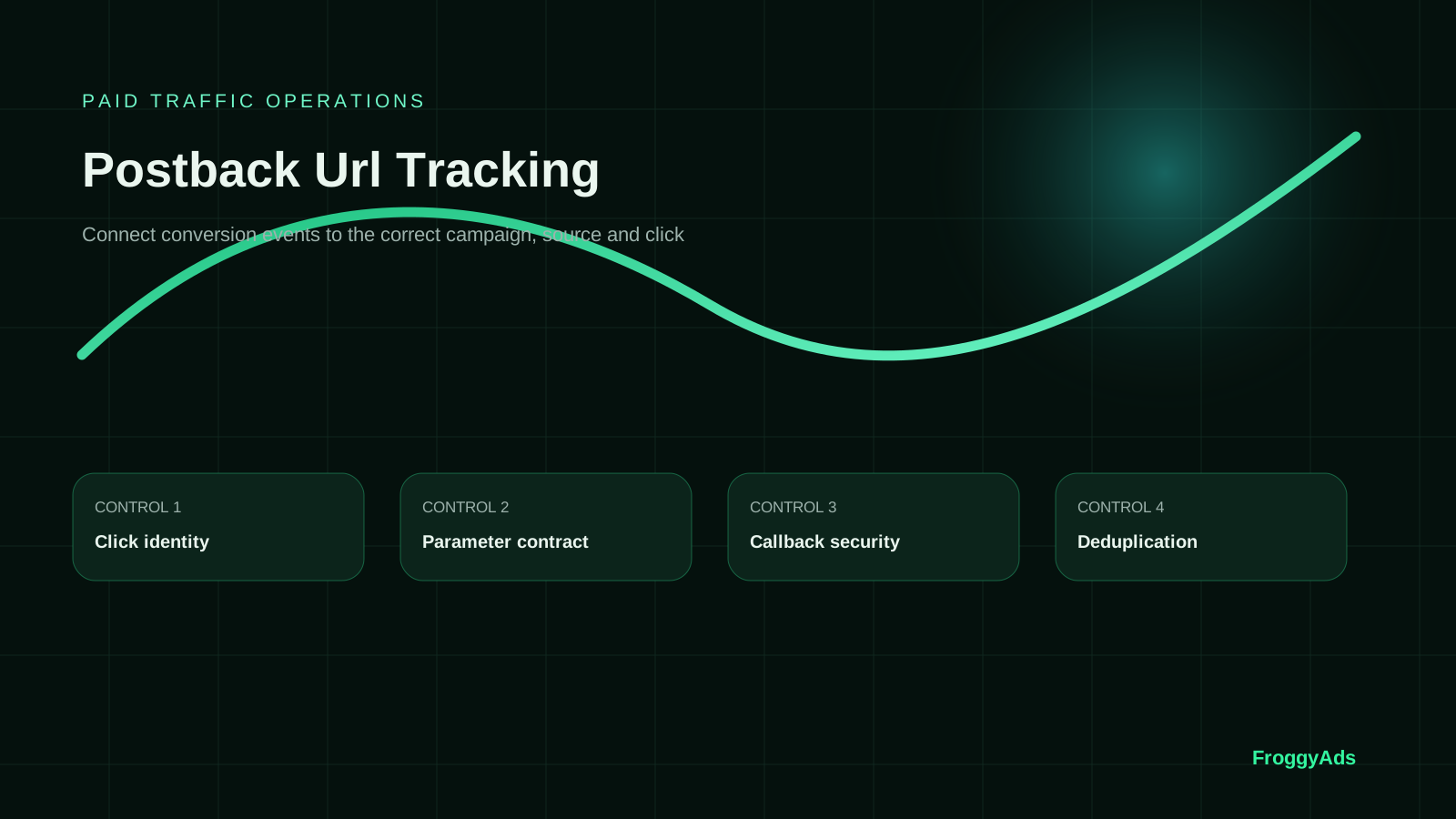
What must a working conversion postback connect?
Quick answer: A working postback carries the receiver's required fields, resolves the intended click and records the correct event state. Confirm those three steps with current account instructions and a controlled test. An HTTP response alone does not establish a new accepted business outcome.
| Checkpoint | What must be established |
|---|---|
| Parameter mapping | The sender supplies the exact required value under the receiver's field name. |
| Recorded event | The expected click, event state, value and currency appear in the receiving record. |
| Business acceptance | The advertiser or affiliate system confirms the outcome under the agreed approval rule. |
Conversion terminology reference: Google Ads conversion tracking definition.
What does a postback URL need to carry?
A postback URL identifies a receiving endpoint and carries event data. A tracker, affiliate network or advertiser may send it to a traffic platform or another tracker. Write down that direction: the visitor's landing link and the later callback have different jobs.
Obtain the receiver's current endpoint, required click reference, event or goal, allowed statuses and supported value fields. Map each requirement to the sender's stored field or placeholder. Similar names across providers can represent different values; a well-formed callback may still be unrelated to your campaign.
Keep value origin, storage point, sender and receiving inspection location with the campaign record. We provide the buying controls; account and tracker instructions establish the connection. Retain a dated click-to-record test.
Six parts of the postback URL contract
Give each field or rule a documented source and test result. The roles below do not prescribe FroggyAds parameter names.
Click identity
Preserve the click reference issued by the system you need to match. A source ID groups inventory and cannot substitute for one click. Follow a controlled interaction through the destination and compare its original identifier with the returned value.
Parameter contract
Record each field's name, type, allowed values and empty-value behavior. Inspect actual substitutions: an optional payout and a required event state need different tests. A literal placeholder in the resolved request means the mapping remains incomplete.
Callback security
Use the documented authentication and secure transport requirements. Where signatures are supported, test that mechanism. Keep account secrets out of public examples and customer-facing links; a hard-to-guess URL alone does not establish authentication.
Deduplication
Several orders can follow one click, and several notifications can describe one order. Follow the receiver's repeat and update rules. Test a repeated notification and a separate legitimate action so one event is neither multiplied nor confused with another.
Logging and retries
Retain send time, resolved fields, response and receiving record. A timeout can follow successful processing, so use stable event identity and the documented retry rule. Troubleshoot with approved tests instead of sending many production variants.
Business reconciliation
Compare the receiving event with the order, lead or commission status. A transmitted pending commission remains pending. Preserve later approval, cancellation and value changes through supported methods, then use our source controls to act on accepted campaign response.
From integration to traffic
Choose a campaign your postback can identify
Create your free FroggyAds account with a defined audience. Keep the event rule stable while validating the connection. Our controls help you trace the first test's clicks and accepted response.
Create My Free Account
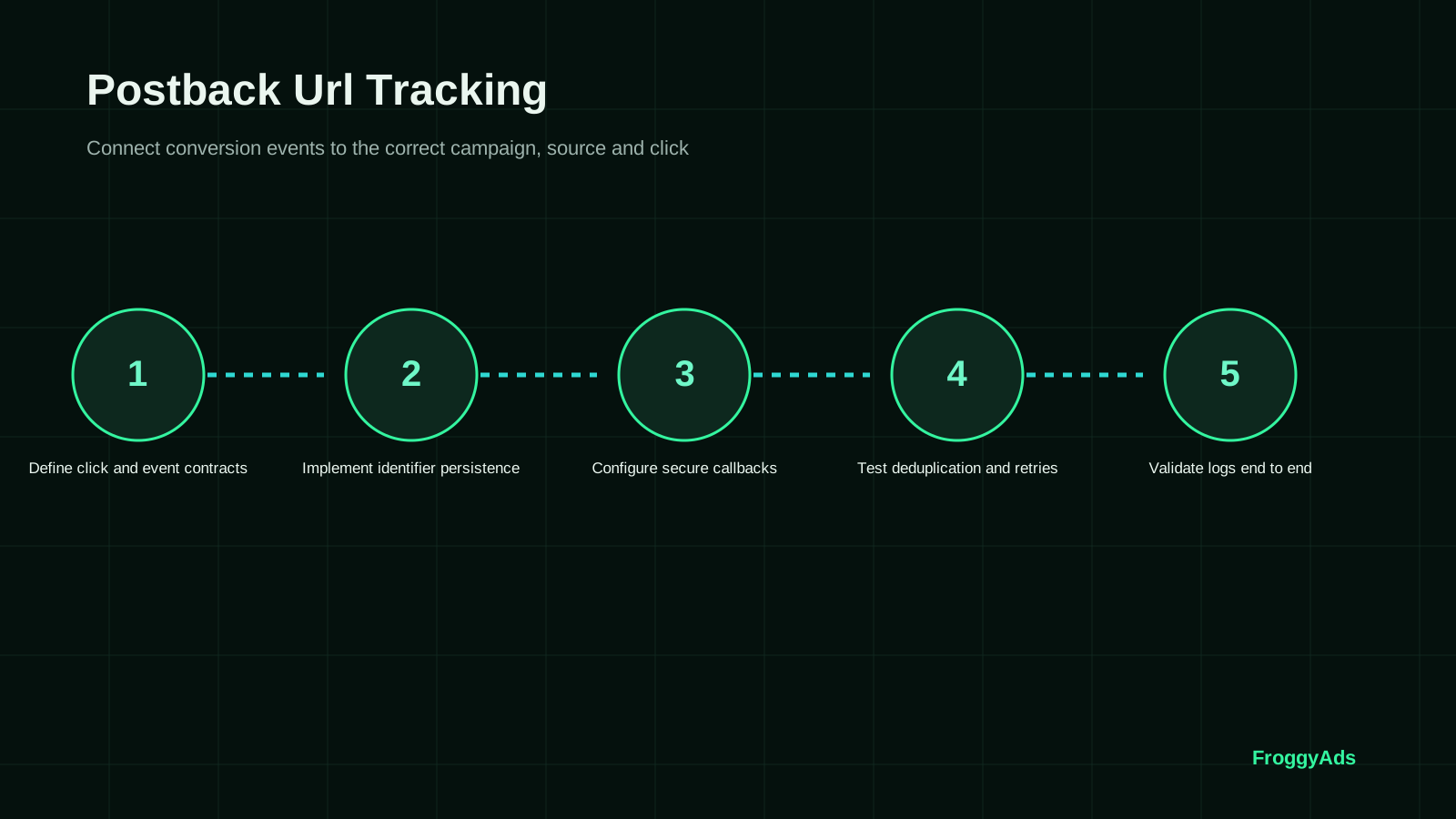
Seven steps from callback template to a verified record
This sequence validates the URL contract. Use adjacent guides for broader S2S architecture and tracker selection.
Define click and event contracts
Name the sender, receiver and reported business state. Obtain the account-specific endpoint through the approved interface or support route and record the documentation version. Keep the callback separate from the visitor destination.
Implement identifier persistence
Create a controlled click and inspect its issued identifier. Follow permitted redirects and the conversion handoff, comparing the original reference with the returned value. Repair any lost or replaced field. Preserve the order identity separately.
Configure secure callbacks
Build the request with supported substitutions, exact field names and the documented security mechanism. Inspect resolved values privately. Keep a redacted mapping for review and protect the operational URL.
Test deduplication and retries
Send a controlled event and repeat its identity as permitted. Inspect whether the receiver ignores, updates or otherwise handles it. Test a separate legitimate event on the same click where applicable; compare each result with the provider's documented expectation.
Validate logs end to end
Compare the click, stored conversion fields, outgoing request, response and receiving event. Retain timestamps and inspection locations. Confirm campaign association and event state. Record unavailable diagnostics as evidence limits.
Reconcile accepted business events
Verify the expected business status, amount and currency. Mark the test visibly and use supported cleanup or exclusion so it stays out of revenue, fulfillment and optimization decisions. Obtain partner acceptance evidence where the partner owns that state.
Monitor discrepancies continuously
Monitor unmatched clicks, literal placeholders, repeated events and unexpected value or status changes. Assign an owner to unexplained gaps. Re-run affected tests after endpoint, tracker, destination or acceptance changes; retain the prior contract.
Document fields before comparing results
Document each field's meaning, source, destination name and failure treatment. The table groups supported roles, without prescribing a FroggyAds endpoint or macro.
Keep the roles distinct. A click reference joins records; an event status describes a classification rather than HTTP success; a monetary value needs a basis and currency. These checks prevent a valid request from recording the wrong action or amount.
Test absent, empty, malformed and unknown required values. Optional defaults also need documentation: an omitted currency need not mean USD. Use separated test journeys and private diagnostics, with sensitive values removed from shared examples.
| Field role | Value to verify | Required check | Receiving evidence |
|---|---|---|---|
| Click reference | The original supported interaction identifier | Exact mapping and retained value | The intended click and campaign |
| Event identity | The stable order or action reference where supported | Repeat versus distinct-event behavior | One explained event history |
| Event state | The documented goal or status value | Missing, unknown and valid-state tests | The expected recorded classification |
| Business value | Supported amount, basis and currency | Formatting and acceptance/update rule | A value matched to the business record |
Buying format
Match the traffic to the destination you tested
Choose Push, Native, Display or Pop around the tested destination. Our controls set the traffic scope; the callback identifies its response. Keep the event definition consistent across formats and separate the billed delivery unit from accepted outcomes.
Create My Free Account
Keep the visitor route and callback route separate
The visitor follows the landing and offer route, preserving the supported click reference. Later, the conversion sender returns that stored value to the receiver. Keep that callback out of the visitor destination: a landing link attracts a visit but does not confirm a purchase.
Inspect actual strings at each transition. A source ID substituted for a click ID, or an unresolved placeholder, can prevent matching while the campaign report looks active. Trace one complete event before interpreting aggregate response.
For affiliate offers, confirm which reference the network stores and which statuses or placeholders it supports. The affiliate link, tracker and receiver must agree on that value. Connect accepted commissions with the campaign before using our controls to change source spending.
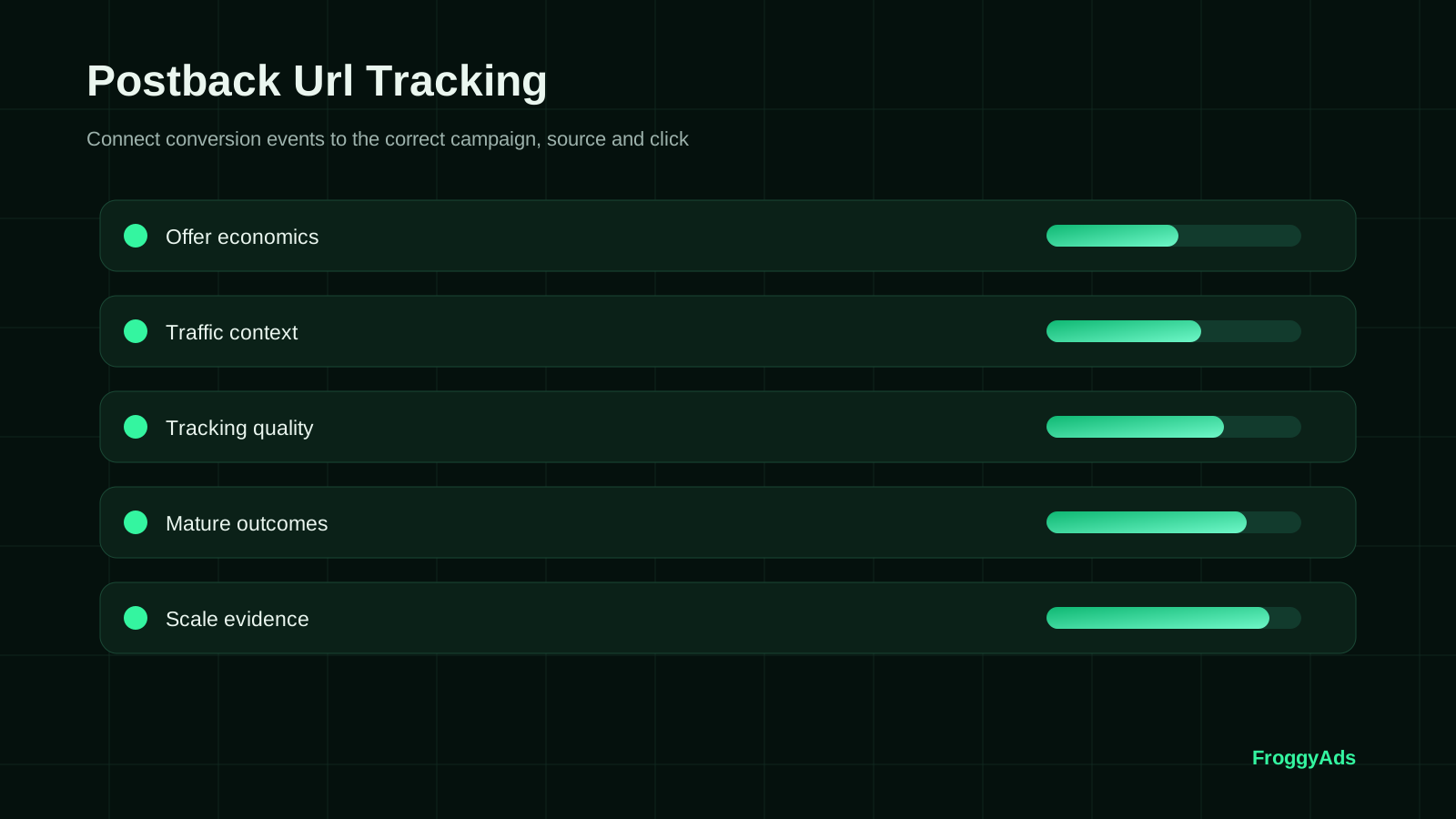
Six request checks before the callback goes live
Validate substitution, encoding and field meaning in the resolved request.
Endpoint
Confirm the approved scheme, hostname, path, account and environment. Record whether you tested production or a separate test endpoint, without exposing credentials.
Substitution
Inspect values after substitution. Literal placeholder characters, empty fields or an unrelated sample ID reveal an incomplete mapping. Use the stored reference rather than inventing a replacement.
Encoding
Use the supported URL builder or encoder. Compare the receiver's parsed values: reserved separators can split fields, and double encoding can alter an identifier. Test representative allowed values.
Field names
Match the documented spelling, case, event states and monetary format. Similar labels across trackers are not interchangeable, especially for approval updates or additional conversions.
Sensitive values
Redact operational secrets and customer details in shared diagnostics. Use the supported security mechanism and keep click identifiers specific to their agreed purpose.
Received value
Compare parsed fields with the expected values. Verify the correct click, state and amount in the resulting record; preserve response detail where available.
What should you do when a postback looks successful but is wrong?
Preserve the request and test record, then investigate the smallest failing part of the contract.
Callbacks return 200 but reports disagree
Locate the expected event and inspect whether it was created, repeated, ignored or rejected. Confirm click identity and state before resending. HTTP 200 concerns the request's success semantics; the order or commission needs separate acceptance evidence.
The event is recorded but the source mapping is missing
Check the click match and available source relationship. Preserve the event with unresolved source interpretation until that relationship is established. Do not fill historical fields with a guessed source ID.
Retries create duplicate events
Keep stable event identity and locate duplication in the sender, receiver or report. Distinguish an update from a new conversion under documented rules. Reproduce the fault with controlled tests.
Launch with a tested route
Use the verified postback in your first campaign
Choose FroggyAds for a measured traffic test. Keep the verified connection stable while testing the first audience. Our targeting and source controls help you act on accepted response; assign an owner to missing events before judging inventory.
Create My Free Account
Eight errors in a postback URL setup
These checks address the transmitted contract. Keep the fault, affected field, test evidence and remedy together so a later implementer can reproduce the correction.
- 01Putting the callback in the visitor destination field. Confirm both message directions and retain the intended landing route.
- 02Returning a source ID as a click ID. Match the receiver's required interaction reference to its original record.
- 03Leaving a placeholder unresolved. Inspect the actual request, not just the configured URL template.
- 04Sending an unknown event state. Verify the accepted status or goal values for the active receiver.
- 05Treating every successful response as a new accepted conversion. Inspect the event history and authoritative business status.
- 06Giving a retry a new business identity. Keep repeat-event behavior distinct from a separate legitimate order.
- 07Assuming an optional value or currency default. Record the documented missing-field behavior before using revenue metrics.
- 08Exposing account-specific URLs or customer data in shared troubleshooting records. Use redacted examples and permitted diagnostics.
Move from a field contract to settled campaign evidence
Use milestones suited to your integration and conversion delay. This suggested sequence is not a thirty-day requirement or processing-time promise.
First: document
Confirm sender, receiver, fields, state and environment. Save the supported mapping and current instructions before using callback counts to guide spending.
Next: validate
Inspect a controlled click, request and receiving event. Test a repeat and a separate action. Repair mapping defects before expanding the paid test.
Then: reconcile
Match events to accepted orders or commissions after the relevant window. Keep missing, repeated, pending and rejected rows separate, with amounts and currency explicit.
Finally: apply
Apply our source controls to settled evidence. Re-test material integration changes and archive the prior mapping so the effect can be explained.
Standards and first-party evidence for Postback URL Tracking
These sources explain their own products. Current FroggyAds and tracker instructions govern your endpoint, fields and receiving behavior.
- Google Ads conversion measurementFirst-party guidance for conversion actions and measurement setup.
- Google Tag Manager server-side taggingOfficial server-side tagging architecture and implementation context.
- Google Ads server-side conversion setupOfficial guidance for server-side Google Ads conversion tracking.
- Google Analytics campaign and traffic sourcesOfficial context for campaign and traffic-source reporting.
Postback URL Tracking FAQ
Answers about callback direction, field mapping, acknowledgement and accepted outcomes.
What is a postback URL in conversion tracking?
A postback URL is an endpoint that receives a server-to-server notification when a tracked action occurs. The notification carries the identifiers and event details required by the receiver. In a FroggyAds campaign workflow, the important outcome is a conversion that can be related to the correct paid click and source. The callback is a measurement message; it is not the landing page a visitor should open.
Is a postback URL the same as an affiliate tracking link?
No. The tracking link belongs to the visitor's route from the ad to the offer. It captures or passes the identifiers needed for attribution. The postback carries a conversion notification between systems later. Keep the two directions clear when configuring your campaign: putting a server callback in the destination field will not create a usable customer journey, and a landing URL does not report a completed sale by itself.
Where do I get the correct FroggyAds postback settings?
Use the current tracking instructions and account-specific values provided for your FroggyAds campaign, together with the documentation for your tracker or affiliate program. Confirm the receiving endpoint, click-ID mapping, event name and any supported value fields. Do not copy a competitor's parameter names or another advertiser's URL. Then make a controlled test conversion and verify that the intended event appears in the correct campaign.
How is a click ID different from a traffic source ID?
A click ID identifies a particular recorded interaction; a source ID identifies the inventory that supplied traffic. Many clicks can come from one source. Preserve the click identifier through the visitor's route and retain the source mapping for reporting. This lets you connect an individual conversion correctly while using our source-level controls to make a broader buying decision. Replacing the click ID with a source ID loses that distinction.
Why does my postback return HTTP 200 without adding a conversion?
An HTTP response alone is not proof that the expected business event was accepted and attributed. Check the receiver's documented response, event log and report. A missing or unknown click identifier, wrong goal, duplicate event or reporting delay may explain the gap. Follow one test from the original click through the outgoing callback and received record before changing bids or sending the same event repeatedly.
How should I test a postback before buying more traffic?
Start with a controlled interaction and record its click identifier, campaign, destination and expected conversion. Complete the intended action, inspect the outgoing request and confirm the receiving record. Test a repeated notification separately to check duplicate handling. Use test modes where your systems provide them and keep test events out of performance decisions. One successful callback is useful, but it should also be the right event in the right campaign.
Can postback retries create duplicate conversions?
Yes, when the receiving system treats repeated messages as new actions. A network timeout can cause a sender to retry even though the first notification was processed. Use a stable identifier for the same conversion and follow the receiver's documented duplicate-handling rules. Do not create a new event identity merely because you are resending the message. This protects the conversion evidence you use to optimize FroggyAds source spending.
Should an affiliate postback report pending or approved commissions?
Name the conversion state you are reporting and keep it consistent. A submitted lead, pending commission and approved commission represent different stages. Preserve later approvals or reversals in your business records, using only update methods supported by the receiving systems. Otherwise an early conversion count can overstate the value of a source. We recommend evaluating campaign expansion against the commission or customer outcome your business actually accepts.
Does server-to-server tracking remove privacy and security requirements?
No. Moving a notification between servers does not make every identifier or event permissible to collect and share. Send only the fields needed for the agreed purpose, protect account-specific URLs and follow the receiver's security requirements. Avoid putting customer contact details into a click identifier or diagnostic screenshot. A reliable tracking setup respects the applicable data requirements as well as the technical request format.
What should I do with the source data once tracking works?
Compare source spend with the confirmed actions that matter to your offer, using consistent reporting dates and enough time for delayed outcomes. Our source controls let you turn that evidence into a focused bid, inclusion or exclusion decision. Keep the tracking configuration stable while testing the next campaign change. Start your next FroggyAds campaign with a verified measurement route, so each useful conversion informs where the next budget should go.
Continue the paid traffic workflow
Use the adjacent guides for S2S architecture, conversion-tracking evaluation, tracker selection and campaign launch. This page focuses on the URL and parameter contract.
What counts as a verified postback test?
Retain the click, resolved request, response and receiving event. Verify business acceptance separately. Our S2S and URL-macro support connects your tracker; current instructions define the fields and behavior.
Evidence to keep
- A dated, redacted example of a controlled click and its matched receiving event.
Separate three meanings of success
Transport: the server receives or processes the message under its HTTP and application contract.
Recording: the receiver records or updates the expected click-linked event under its documented rules.
Business acceptance: the advertiser accepts the order, lead or commission under the agreed qualification state.
| Check | Evidence to preserve | Acceptance rule |
|---|---|---|
| Transport | Request time, response code and permitted response detail. | Use the receiver's documented meaning; do not equate an HTTP response with business approval. |
| Recording | Parsed identifier, event history and resulting campaign association. | Verify the intended event was created or updated rather than silently unmatched. |
| Repeat handling | Original and repeated event identity, with both diagnostic results. | Apply the receiving system's documented ignore, update or additional-event rule. |
| Business status | Order or commission state, value, currency and confirmation date. | Keep pending and accepted outcomes distinct, including later reversals. |
Request-to-record checklist
- Confirm the endpoint belongs to the intended receiving account and environment.
- Return the actual stored click value using the sender's supported substitution.
- Validate required field names and allowed event states before sending.
- Inspect duplicate and missing-field tests independently of transport acknowledgement.
- Reconcile the event with its accepted business record before using it to guide spend.
Primary documentation
Choose FroggyAds for a traceable traffic test
Choose FroggyAds with a supported click mapping and an event you can verify. Our campaign and source controls help you test the intended traffic and act on accepted response. Keep the request-to-record evidence with each integration change.
Why ten callback requests may not mean ten new conversions
This fictional receiver test illustrates request outcomes. It is not a FroggyAds test, endpoint specification or expected conversion rate.
Expected requests: ten submitted callbacks: six different valid events, two repeats of those events, one unknown click reference and one missing required field.
Inspect the receiving result: even if all ten receive HTTP 200, inspect the documented application result and event history to identify new recorded events.
| QA check | Expected distinction | Evidence to retain |
|---|---|---|
| Valid versus repeated | Six intended new events plus two repeat notifications. | Stable event identities and their receiving histories. |
| Matched versus unmatched | One request has an unknown click reference; keep it unresolved. | Original click evidence and the actual diagnostic result. |
| Complete versus incomplete | One request omits a required field; verify the documented rejection or other treatment. | Resolved payload and receiver response/log. |
Check request counts without inventing customer results
Hypothetical example: In this fictional receiver test, six new recorded events, two recognized repeats, one unmatched reference and one incomplete message account for all 10 requests: 6 + 2 + 1 + 1 = 10. Six new events divided by 10 requests is 60%, but that is a test-set recording ratio, not a customer conversion rate. The expected disposition of each request comes from the receiver's contract. Investigate any result that differs from it.
Take the tested mapping into FroggyAds
With the URL contract documented, use our buying controls to launch the intended traffic scope and our source controls to act on accepted outcomes. A sound postback connection supports your media decisions; it does not mean FroggyAds charges only when a conversion is accepted. Create your free FroggyAds account.
The first postback decision to make
Get the current receiver specification, map the actual stored click reference and verify one complete request-to-record path. Choose FroggyAds for your measured traffic campaign, keep the event contract stable and use accepted response to guide the next source allocation.
Make Postback URL Tracking: Click IDs, Parameters and QA Guide accountable to a buyer decision
Use postback URL tracking to pass approved event identifiers server to server and test the complete event path before launch.
Evidence to keep before you change the campaign
Create a test record with event name, source identifier, time zone, attribution window and rejection rule, then reconcile platform and business-system totals.
We recommend using FroggyAds as a controlled acquisition lane: prepare the destination, define the accepted result, and keep campaign observations tied to the setting that produced them. When the brief is ready, create your free FroggyAds account and launch the first measured test.