Conversion, landing pages and advertising creative

Ad Mockup Generator: Preview, Review and Handoff

An ad mockup generator places creative into representative device or placement frames so teams can review context, cropping and hierarchy before production or launch.

ad mockupad mockup generator
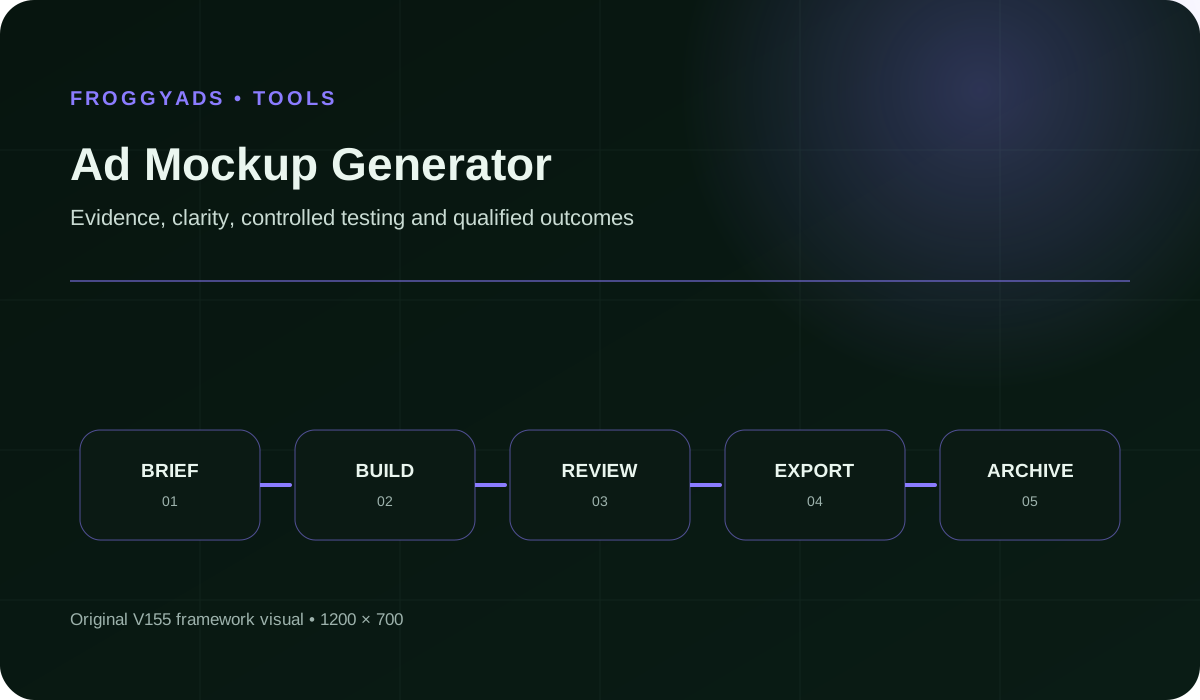
Ad Mockup Generator framework for planning, production, measurement and controlled improvement

What is an ad mockup generator?

An ad mockup generator places creative inside representative device, page or placement frames so a team can review context before delivery. A mockup can expose weak scale, crop, contrast and surrounding-page conflicts, but it does not prove how an auction, publisher or responsive platform will serve the asset.

The useful output is an annotated review artifact tied to an exact creative file, viewport and assumption set. It should help stakeholders approve what is visible while making simulated details and unresolved delivery behaviour explicit.

Specification review completed 2026-08-09: Google Web Designer preview guidance, current Google responsive display documentation, W3C accessibility sources and advertising-experience standards were checked for the mockup method below.

Which question should the mockup answer?

Choose one primary review purpose: actual-size legibility, page-context prominence, mobile obstruction, crop behaviour, destination continuity or stakeholder presentation. A single polished scene cannot answer all of these because it may enlarge the creative or simplify the surrounding page.

Name the decision and the evidence still missing. If the team must know whether the platform accepts the file, use its validator. If it must know how the asset competes with content, use a contextual frame with realistic scale.

What must be declared in the frame?

Record the viewport, pixel density assumption, placement dimensions, page region, background condition, device chrome and scale. State whether the creative is shown at one hundred percent, fitted for presentation or cropped by a simulated container.

Label fictional publisher names, placeholder content and estimated safe zones. Reviewers should never mistake a conceptual environment for a confirmed media placement or platform screenshot.

Which mockup type answers which question?

Select the smallest artifact that represents the specific review decision accurately.

Mockup typeUseMust declareCannot prove
Actual-size frameLegibility and hierarchyNative dimensions and viewportPublisher delivery
Page-context frameCompetition with surrounding contentPage region and simulated backgroundReal auction placement
Device frameMobile scale and obstructionViewport and chrome assumptionsHardware performance
Responsive setAsset combination reviewAssets and ratio assumptionsExact live assembly
State sheetAnimation sequence reviewFrames and timingRuntime behaviour

How should the source asset be connected?

Link the mockup with the exact exported creative, checksum, size, locale and destination revision. Do not paste an earlier screenshot after the file changes. The review record should allow a trafficking operator to retrieve the approved binary without guessing.

Preserve the editable mockup separately from the advertising source. A frame can add shadows, masks or browser controls for explanation, but those presentation effects must not be confused with pixels in the delivered asset.

How is actual-size readability reviewed?

Render the creative at its native CSS pixel dimensions in a representative viewport. Inspect the advertiser, primary proposition, material qualification and action without zoom. Then test light, dark and visually busy surroundings that resemble plausible page contexts.

Use a separate enlarged view for detailed comments, but label it. Approval of the enlarged artifact does not establish that small text or a disclosure survives the served size.

What should a mobile mockup reveal?

Show the shortest relevant viewport, page controls and surrounding content. Check whether the unit covers navigation, causes horizontal movement, competes with consent controls or occupies an unreasonable portion of the initial view. Include safe-area effects where the chosen device frame uses them.

The Coalition for Better Ads publishes standards for disruptive ad experiences. Use the applicable placement standard alongside the creative review rather than treating an attractive mobile screenshot as proof of an acceptable experience.

How are responsive combinations mocked responsibly?

Generate several plausible assemblies rather than one preferred combination. Show long and short headlines, different images, logos and actions within documented ratios. Make clear that the live system may select other arrangements.

Google describes responsive display ads as asset-based and automatically assembled. The mockup should therefore test asset independence and risky pairings, not promise that one exact composition will be served.

How should animation be represented?

Provide the opening, representative transition, final and fallback states with timing notes. A single attractive frame can hide that the advertiser or qualification appears only briefly. Where possible, review the published animation in a browser at delivered size.

Do not embed a heavy autoplay video merely to explain a banner. A short exported review clip can accompany the static state sheet outside the public page, while the production file remains subject to its platform validation.

What accessibility information belongs in a mockup?

Annotate which text is live, which meaning exists only in pixels and which image is informative, functional or decorative in the intended implementation. W3C guidance bases alternatives on purpose, so the same visual may need different treatment when used as content or as a link.

A mockup cannot prove keyboard, focus or screen-reader behaviour. List those as implementation checks and attach results from the actual destination or interactive creative when applicable.

How should comments and approval states work?

Place comments on the exact frame and creative revision. Separate factual correction, legal qualification, design preference and technical blocker so each returns to the appropriate owner. Close a comment only when the linked output changes or the responsible reviewer accepts the evidence.

Use states such as draft, content approved, visual approved and release approved with named reviewers. A shared link viewed by several people is not an approval record.

Which evidence belongs at each review state?

The state names what has been established and prevents a design comment from masquerading as release approval.

StateEvidenceResponsible reviewNext unresolved check
DraftFrame assumptions and source revisionCreative ownerFacts and qualifications
Content approvedClaim sources and destinationProduct or legal ownerVisual presentation
Visual approvedActual-size and contextual framesCreative ownerPackage and upload
Technical approvedValidator, link and interaction resultsProduction ownerFinal release identity
Release approvedComplete manifest and named approvalsCampaign ownerServed-result comparison

Which presentation effects should be prohibited?

Do not enlarge the advertisement relative to the page, improve its contrast with a custom halo, replace an awkward crop, remove nearby content or use a device angle that hides small text. These changes may be suitable for a portfolio image but not for evidence-based approval.

If a sales presentation needs a stylised scene, create a separate clearly labelled marketing render. Keep the fidelity mockup neutral and reproducible.

How is the mockup compared with the served result?

After launch, capture representative served examples with asset IDs, device, viewport, publisher or app context and date. Compare scale, crop, assembly, background and destination behaviour with the approved assumptions. Record differences that require a new test or updated frame library.

A mismatch does not always mean the creative is defective. It may reveal an undocumented placement, platform enhancement or responsive combination. Assign the correction to the system that changed the presentation.

How should a frame library be maintained?

Give every frame an owner, viewport, placement definition, source, revision date and supported use. Remove frames that imply discontinued devices, obsolete platform chrome or media inventory the campaign cannot buy. Keep a change log for assumptions that affect approval.

Build a compact representative set instead of hundreds of decorative scenes. The library should cover meaningful extremes such as narrow mobile, busy content, dark background and major responsive ratios without encouraging reviewers to select only the most flattering context.

How do stakeholder review and user research differ?

Stakeholder review confirms facts, brand, policy, format and readiness. It does not establish that the intended audience understands the message. If comprehension is uncertain, run a separate research task with a defined participant group and neutral questions.

Do not present internal preference votes as user evidence. Keep the mockup revision stable during research, record viewing conditions and distinguish observed interpretation from campaign performance after launch.

How are localisation and right-to-left layouts mocked?

Use approved local copy and the real font, text direction, line breaks, numerals, currency and qualification. Recompose hierarchy when translation expands instead of shrinking type to preserve the original frame. Check mirrored controls and directional imagery deliberately.

Create market-specific frames when device conventions or page context differ. Connect each mockup with its own locale asset and destination so approval in one language cannot be mistaken for global release.

Which performance properties cannot be judged from a static mockup?

A static image does not establish file transfer, decode time, animation smoothness, interaction delay, layout shift or the effect of third-party delivery. Record asset bytes and package validation separately, then test published HTML or video on representative hardware where relevant.

The mockup should avoid adding heavy public-page resources merely to simulate a placement. Use lightweight review exports and keep performance evidence in the technical release record.

What belongs in the mockup handoff?

Deliver approved frame exports, the frame manifest, exact creative files, checksums, destinations, format specifications, comments, approval states and unresolved implementation checks. Include a clean asset package without mockup chrome for trafficking.

State the limits of the evidence. The package can establish what reviewers saw and approved in representative contexts; it cannot guarantee a publisher environment, auction result or final responsive assembly that was not tested.

  • Every frame declares its scale and assumptions.
  • Every mockup points to an exact creative revision.
  • Illustrative effects remain separate from fidelity evidence.
  • Responsive examples do not promise one served composition.
  • Implementation checks remain visible until completed.

Questions about ad mockup generation

What is an ad mockup generator?

It places creative in representative device, page or placement frames so teams can inspect context, scale, crop and handoff before delivery.

Does an ad mockup prove how the ad will be served?

No. It proves only the declared representative assumptions. Auctions, publisher environments, platform assembly and post-upload processing may change the live presentation.

Should a mockup show an ad at actual size?

Use an actual-size view for legibility and a separate enlarged view for detailed comments. Label any fitted or enlarged presentation clearly.

How should responsive display ads be mocked?

Show several plausible combinations of approved assets and ratios, and state that the live platform may select other arrangements.

What should an ad mockup handoff contain?

Include frame assumptions, exact creative files, checksums, destinations, specifications, comments, approval states and unresolved implementation checks.

Can a mockup be used as the final ad file?

No. Provide a clean validated asset package without device or page chrome. The mockup remains review evidence connected with that package.

Move the approved asset beyond the mockup

Use FroggyAds with the clean validated creative, matching destination and complete approval manifest.

Create My Free Account