Audience playbook

In-App Ads Guide: Inventory, Creative and Attribution

Evaluate in-app advertising by app context, placement, device signals, creative fit and post-click or post-install quality.

20B+ daily impressions750+ SSP integrations$50 minimum deposit7-day Money-Back Guarantee
In-App Ads Guide: Inventory, Creative and Attribution planning dashboard

What does this page explain about In-App Ads Guide: Plan, Launch & Optimize Campaigns?

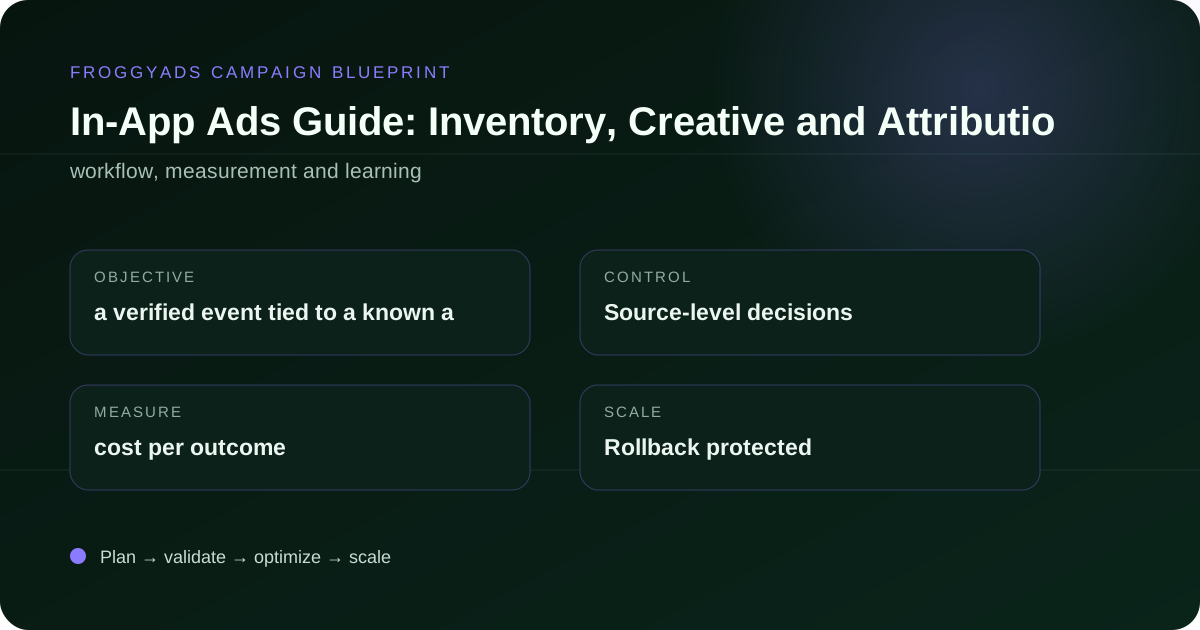
Quick answer: For in-app ads guide, begin with a verified event tied to a known app placement and user value. Design the ad, click path and destination for app marketers and brands buying in-app inventory. For this page, the practical focus is evaluate in-app advertising by app context, placement, device signals, creative fit and post-click or post-install quality. This guide is designed for app marketers and brands buying in-app inventory.

Reference for In-App Ads Guide: Plan, Launch & Optimize Campaigns: FTC guidance on online advertising and marketing.

Editorial review for In-App Ads Guide: Plan, Launch & Optimize Campaigns: , .

Direct answer

A practical framework for In-app Ads Guide

A reliable plan for in-app ads guide starts with a measurable business objective, a defined audience, a suitable ad format, transparent tracking, and a written budget rule. Connect the bid, creative, destination, conversion event, and source-level reporting before meaningful spend begins.

The central risk is optimizing from early activity instead of mature business outcomes. Define the break-even or quality threshold, validate the data path, isolate variables, and make changes only when the evidence is readable.

Operating model

Turn the campaign objective into an auditable plan

The campaign should answer a business question, not merely generate activity.

Objective and economics

For in-app ads guide, begin with a verified event tied to a known app placement and user value. Estimate the maximum sustainable cost from margin, payout, conversion rate and rejection or refund risk. Write the threshold before delivery starts so optimization is not rewritten after every result.

User path and relevance

Design the ad, click path and destination for app marketers and brands buying in-app inventory. The page should load quickly, repeat the core promise and make the next action clear without misleading urgency or hidden navigation.

Evidence and ownership

For in-app ads guide, assign clear ownership for tracking, creative rotation, source review and budget changes. Preserve the campaign, creative and placement identifiers needed to reconstruct every material decision later.

Decision sequence

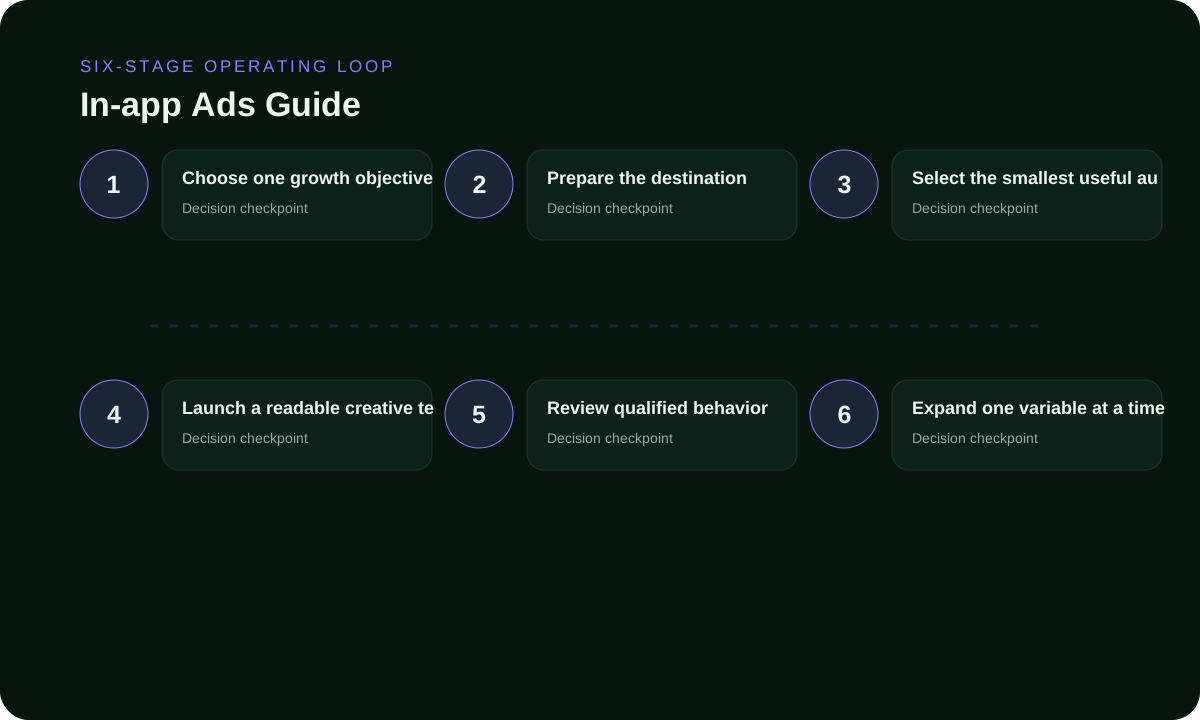
Use a six-stage learning loop

Each stage should produce evidence for the next one.

Choose one growth objective

At this stage, write the objective and the evidence required to proceed for in-app ads guide.

Prepare the destination

At this stage, confirm the user path and every identifier used in reporting for in-app ads guide.

Select the smallest useful audience

At this stage, keep the test matrix small enough to compare for in-app ads guide.

Launch a readable creative test

At this stage, allow the selected outcome to mature before judging sources for in-app ads guide.

Review qualified behavior

At this stage, repeat the strongest pattern with one controlled change for in-app ads guide.

Expand one variable at a time

At this stage, increase exposure gradually while preserving the last working baseline for in-app ads guide.

Six-stage in-app ads guide workflow
Format and funnel fit

Give each traffic format a defined job

Separate formats in reporting because their placement context and creative constraints are different.

FormatPotential roleControl requirementPrimary decision signal
NativeExplain value before the clickRelevant content pageQualified sessions
PushReach with concise benefitFast response pathActivation or conversion
DisplayVisual continuityResponsive creativeIncremental response
PopDiscover broad source pocketsFast qualificationSource-level economics
Practical rule: compare mature business outcomes within each format before combining them into a portfolio view.
Audience and destination

Protect relevance before expanding reach

Target only users the destination can genuinely serve.

Audience design

Start with compatible GEOs, devices, operating systems and languages. Add more segmentation only when it represents a specific hypothesis. For in-app ads guide, preserve enough volume for the selected conversion event to mature.

Source IDs should be used to discover performance pockets, but a whitelist should follow evidence rather than replace discovery.

Destination design

The destination supporting in-app ads guide should load quickly on the devices being purchased, continue the ad message and present one primary action. Remove unnecessary redirects and confirm that campaign identifiers survive the entire path.

Test the complete experience before launch, including form validation, payment or signup flow, confirmation event and mobile viewport behavior.

Measurement model

Use metrics that lead to decisions

Diagnostics explain movement; the verified business event decides whether the campaign can continue.

MetricWhat it revealsCommon misuseDecision use
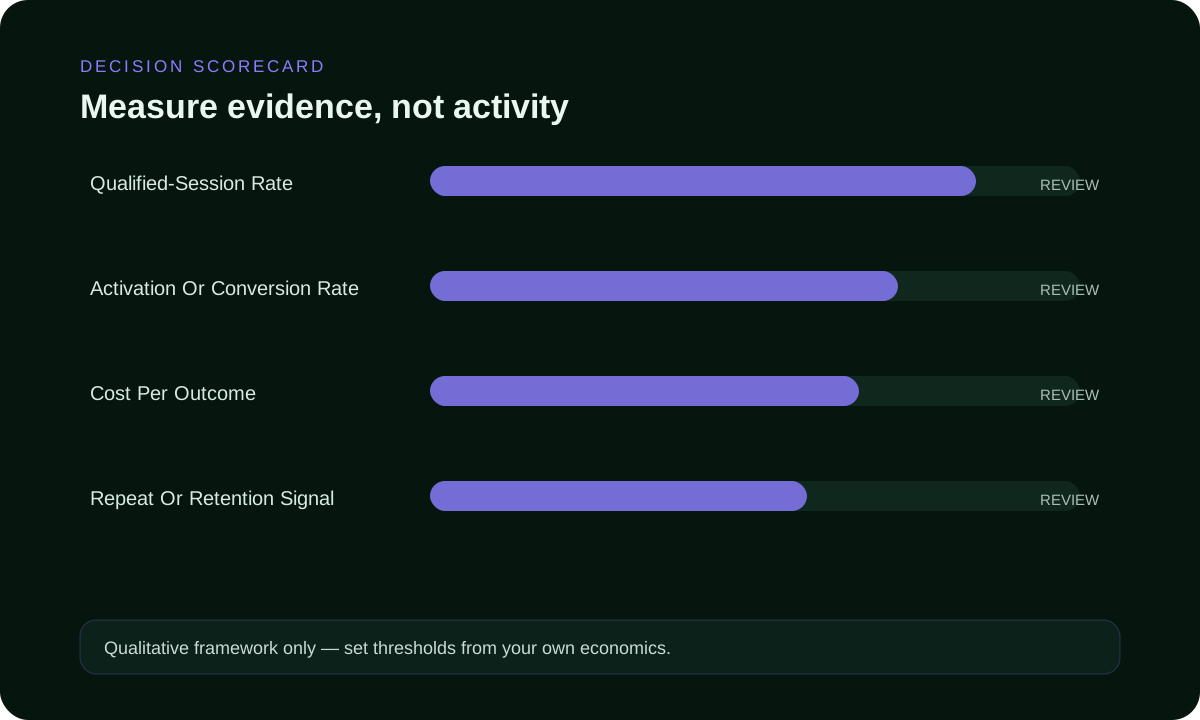
qualified-session rateWhether purchased users reach a meaningful stage.Treating every visit as qualified.Diagnose message and destination fit.
activation or conversion rateHow efficiently qualified users complete the outcome.Reading small samples as permanent truth.Compare mature cohorts.
cost per outcomeWhether cost remains inside the economic ceiling.Ignoring rejected or low-value outcomes.Set stop, keep and scale rules.
repeat or retention signalHow much performance changes across sources or time.Optimizing from a blended average.Protect marginal profitability.
Qualitative scorecard

Score evidence, control and economics together

This is a planning model, not a performance claim.

In-App Ads Guide: Inventory, Creative and Attribution qualitative scorecard
Reach and fit

Check whether inventory exists for the required audience and whether the destination can serve it without technical or policy mismatch.

Transparency and control

Look for source IDs, bid controls, caps, exclusions, exports and a clear approval workflow.

Total operational cost

Include creative work, tracking, review time, payment friction and conversion lag instead of comparing media price alone.

Illustrative planning scenario

Move from discovery to a repeatable baseline

This example describes a workflow only. It is not a customer result or a performance promise.

Phase 1: establish a readable test

Launch the first in-app ads guide test as a small matrix with one verified event, a limited device set and two materially different creative concepts. Keep bids comparable, then verify source behavior, redirects and conversion identifiers before increasing delivery.

Separate technical failures from immature traffic. Record why a source, creative or device is paused so it can be re-evaluated if the destination or offer changes.

Phase 2: validate and scale

When in-app ads guide reveals a strong pattern, move it into a separate validation campaign and change only one variable per cycle. Compare marginal cost and downstream quality after each budget increase instead of relying on a blended historical average.

For in-app ads guide, preserve the last working version. If cost per outcome or downstream quality leaves the accepted range, roll back and identify whether the change came from bid, source mix, creative, device or destination.

Failure modes

Avoid the decisions that destroy learning

Most campaign waste comes from missing context, not a lack of dashboard activity.

No primary outcome

In-app ads guide, this mistake removes the context needed to understand why cost or quality changed. Use a written threshold and a reversible decision instead.

Slow or irrelevant page
Audience fragmentation
Untracked creative changes
Premature exclusions
No learning log
Frequently asked questions

Questions about in-app ads guide

Use these answers to prepare a practical campaign brief.

What counts as an in-app advertisement?

It is paid promotional content shown inside a mobile application, with a format and interaction that should remain clear to the user.

Which in-app format fits a brief message?

A banner or compact native placement can fit a simple proposition, while complex offers usually need more room after the tap.

When should interstitial ads appear inside an app?

Place them at natural pauses rather than interrupting a task, and preserve an obvious way to continue or close.

How do rewarded ads change the value exchange?

The user chooses to view the promotion for a stated in-app benefit, so delivery and reward completion both need tracking.

What device testing belongs before an in-app launch?

Check rendering, orientation, tap targets, store or deep-link routing, first open and the selected conversion event.

How should an advertiser judge in-app inventory quality?

Compare app, placement and device records with accepted outcomes, not impressions or accidental taps by themselves.

Which frequency control protects the in-app experience?

Start with a clear per-user limit and watch exits, complaints and later value as exposure grows.

What privacy question belongs in an in-app campaign plan?

Use only data and permissions that are appropriate for the intended targeting and measurement in the selected market.

When should an app placement be removed from a campaign?

Remove it when interaction is misleading, routing fails or mature accepted results stay outside the written threshold.

Can in-app ads guarantee installs or purchases?

No. Format access is only one part of performance; product fit, creative, store experience and measurement remain decisive.

Launch with evidence

Turn in-app ads guide into a controlled test

For in-app ads guide, start with one objective, transparent tracking, source-level controls and a written stop-or-scale rule. Outcomes still depend on the offer, creative, destination, GEO, bid and ongoing optimization.