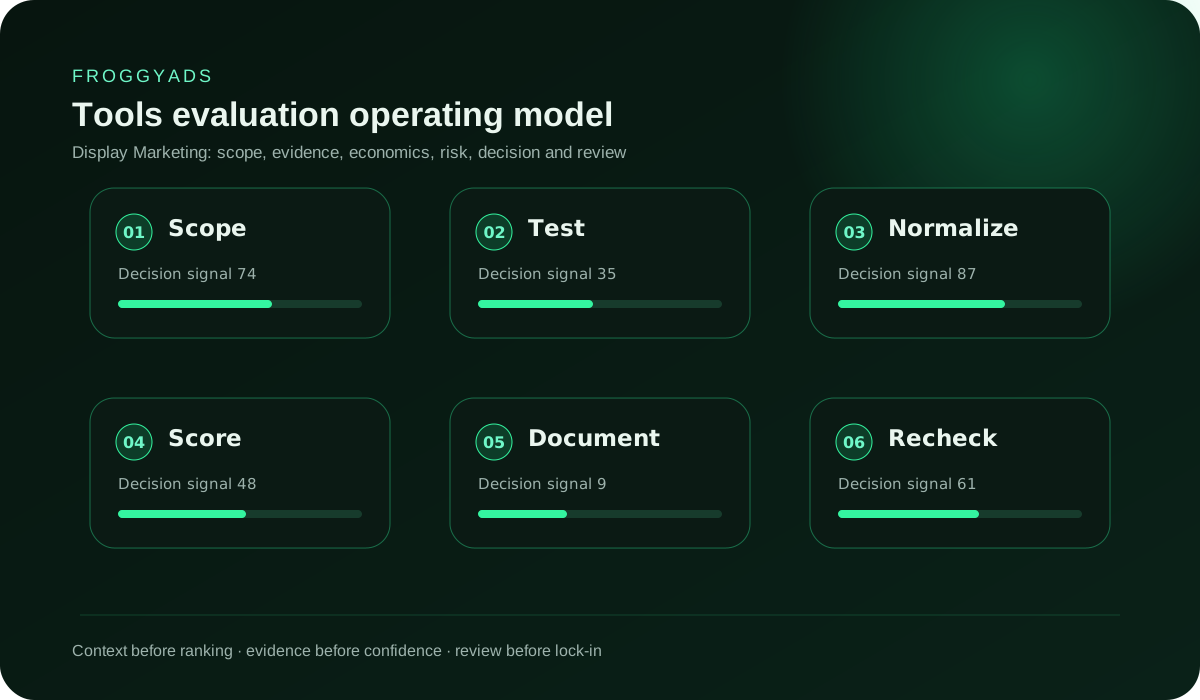
Display stack selection and proof guide

Affordable Display Marketing Tools: Value and Total-Cost Evaluation Guide

Direct answer: Affordable display marketing tools complete a defined campaign job with usable outputs, controlled access and evidence the team can recover. The right stack may contain separate planning, creative, trafficking and measurement products. Buyers should test the handoffs between them, because a low monthly fee does not offset missing exports, broken identifiers or repeated manual cleanup.

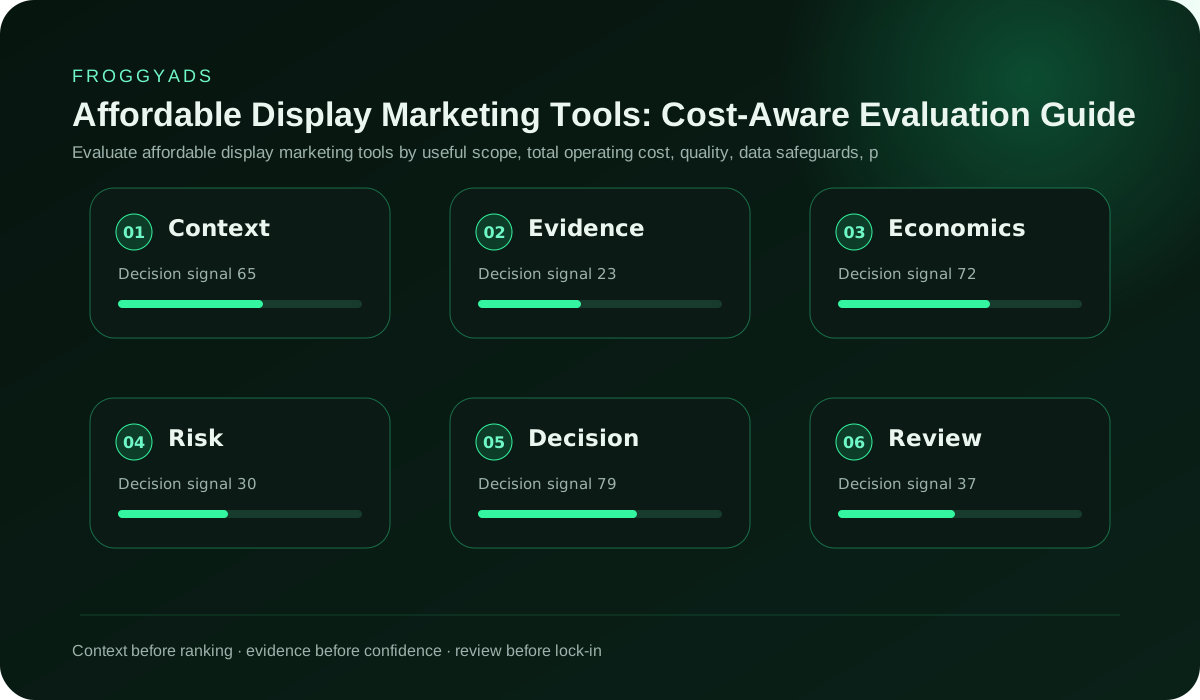
Affordable Display Marketing Tools: Cost-Aware Evaluation Guide decision architecture

Start with six display campaign jobs

Planning

The planning job records the campaign objective, audience conditions, supply assumptions, budget boundary and accepted outcome. A suitable tool should preserve the decision and its owner without forcing the team to treat a media-platform recommendation as the business strategy.

Asset production

The creative job prepares approved images, logos, headlines, descriptions and uploaded files under the requirements of the chosen platform. It needs clear revision ownership, predictable exports and a way to prevent an expired price or claim from returning in a later file.

Trafficking

The trafficking job maps the right creative and destination to the intended campaign, audience and placement controls. A tool should expose the final URL, naming, status and reviewer before activation, then retain a record of material changes.

Measurement

The measurement job captures important events, source identifiers and campaign context. It must let the team test what fires, understand expected reporting differences and connect platform observations with validated backend outcomes.

Reconciliation

The reconciliation job compares delivery, cost, site events and accepted results under documented definitions. It should flag missing or duplicated records instead of silently producing a blended total that cannot be traced to a source.

Change control

The change-control job answers who altered a budget, asset, audience, exclusion or conversion definition and when. A small team still needs named accounts and an exportable history when those decisions affect spending.

Map requirements to observable tests

Turn each mandatory capability into an action and an expected result. Instead of writing supports image export, specify the needed dimensions, format, file weight, naming and color behavior. Instead of writing integrates with analytics, define the event, properties, campaign identifier and backend record that must reconcile. A testable requirement lets the buyer compare products without inventing a score for features that have different operational consequences.

affordable display marketing tools evaluation framework
Display tool requirement matrix
RequirementProof actionFail condition
Creative outputExport two real asset sets and inspect final filesRequired dimensions or approved text do not survive
Campaign setupCreate, duplicate and archive a controlled testIdentifiers or destinations become ambiguous
Event captureTrigger, inspect and reconcile an important actionThe event cannot be linked to the backend record
AccessRestrict an editor, buyer and reviewer accountA role can publish or spend beyond its responsibility
RecoveryExport settings and restore a sample independentlyUsable campaign evidence cannot be reconstructed

Build a must-have, condition and exclusion list

A must-have directly supports the operating plan. Examples include a required file type, a named-account permission, source-level export or the event needed for the accepted conversion. A condition explains when a feature matters, such as multilingual asset review only for campaigns that use those languages. An exclusion removes products that create unacceptable risk, including tools that cannot export business records or require shared administrator credentials.

Keep optional convenience separate. A large template library may speed initial design but does not replace claim review or platform compatibility. Automated recommendations may assist an operator but should not receive authority to raise spending beyond the written limit. Write the owner and verification method beside each requirement. This keeps a vendor demonstration focused and exposes disagreement inside the buying team before a contract is signed.

Review the list against one active campaign. Hypothetical enterprise needs can inflate a small stack, while a narrow proof may omit controls required for the next planned market. State the expected horizon and revisit the list when campaign types change. Do not buy a complex product only because the organisation might eventually need it, but avoid a short-term choice that makes a documented near-term requirement impossible.

Test creative production at final rendered size

Import the actual brand assets and produce the formats required by the selected display platform. Confirm crops, text rendering, transparency, animation, file weight and export names. Inspect the files outside the design interface. A canvas preview can conceal a font substitution or compression problem that appears only after export. Store the master and approved outputs with a revision identifier that also appears in the trafficking record.

Responsive display campaigns require a different review. Google Ads explains that supplied images, logos, headlines and descriptions can be combined for available ad spaces. Build combinations that expose the weakest pairing. A headline should not repeat a description, a cropped image should retain its subject, and each asset must remain truthful when another optional component is absent. Review current official requirements for the Google product rather than applying them to every network.

Test accessibility and comprehension without claiming a universal design threshold. Check legibility at intended display sizes, meaningful contrast, restrained motion and a recognizable advertiser. The final destination must continue the proposition. Record any tool limitation that requires manual checking, then include that work in the operating cost. A cheap creative product may remain suitable when the manual step is small, owned and repeatable.

Create a naming dictionary that survives every handoff

Define stable identifiers for campaign, ad group, creative, destination, experiment and source. Human-readable labels can sit beside them, but the identifier should not change when a display name is corrected. Test how each tool handles spaces, character limits, duplicated names and archived records. A silent truncation can merge unrelated assets in a report, while a copied campaign can carry an old destination into a new test.

Store the dictionary where planners, designers, buyers and analysts can use it. Include examples and the owner authorised to add a value. Avoid encoding personal information or a long strategy sentence in a name. The purpose is reliable joining and review. When a platform creates its own identifier, preserve the mapping rather than replacing the organisation's record.

Run a handoff test. The planner creates the campaign record, the designer returns assets, the buyer traffics them, and the analyst retrieves the results without manually guessing which labels correspond. Record mismatches and repair the rule before scaling the stack. A naming convention that works only because one employee remembers the context is not an operational control.

Inspect trafficking, preview and approval behavior

Create an isolated campaign and enter the intended destination, assets, audience signals, exclusions, budget and bid settings. Use the product's preview, then compare it with the stored plan. Check whether the preview represents every eligible format or only examples. Confirm that a reviewer can see the material settings without receiving permission to activate spending. Test drafts, scheduled changes and the handling of a rejected asset.

Duplicate the campaign and examine which fields carry over. Old tracking parameters, dates, labels and audience exclusions can survive a copy even when they no longer fit. The tool should make inherited values visible, and the operator needs a written recheck. Archive the test and confirm it cannot resume unexpectedly through an automation or bulk change.

Google's Display campaign overview describes its own delivery and targeting capabilities. Read the current documentation when the evaluated stack includes Google Ads. Do not treat the presence of a similar label in another tool as equivalent behavior. Capture screenshots or exports only as supporting evidence; the authoritative proof is the saved configuration and readback where available.

Validate content exclusions against the campaign plan

Content exclusions can help keep a campaign away from categories or inventory types the advertiser does not intend to use. Review the available controls, their scope and any default settings. Google Ads publishes official guidance for its content exclusions, while other products have their own definitions. A checkbox with the same name can operate at account, campaign or inventory level, so the test must verify where the choice applies.

Create a policy-to-setting map that distinguishes mandatory restrictions, brand preferences and evidence-based source decisions. Do not use broad exclusions as a substitute for checking whether the offer is eligible. Record who approved the mapping and when it should be reviewed. An exclusion can reduce risk but can also remove useful supply, so changes should remain visible in the performance record.

Export the settings or capture an independent readback after activation. Compare them with the plan whenever a campaign is duplicated or a bulk operation runs. If the tool cannot provide reliable evidence of the effective setting, include the required manual verification in its cost and risk assessment.

Test conversion collection as an end-to-end chain

Choose one important action and document its business meaning. Trigger it on a test destination, inspect the tag or event request, confirm the expected parameters and find the resulting backend record. Then repeat a submission to see how duplicates are handled. Test a declined or ineligible action if the operation applies validation later. The purpose is to establish which count the team will use for spend decisions.

Consent behavior, browser conditions and redirects can affect collection. Test the scenarios relevant to the campaign without assuming perfect observation. Record reporting delays and attribution settings. A tool that reports a conversion still needs reconciliation with the advertiser's accepted result. The measurement product should expose enough detail to diagnose gaps without requiring sensitive information that the campaign does not need.

Change the campaign parameter deliberately and verify that the new value appears without rewriting historical records. Preserve the event definition version. When a conversion rule changes, mark the effective date and avoid comparing periods as though the metric remained identical. The display stack should make this boundary clear to the person approving the next budget.

Require source and placement evidence in reporting

List the source dimensions the buying platform exposes and the identifiers the advertiser can retain. Confirm those fields reach the analytics or reporting tool and remain attached to accepted outcomes. A dashboard total cannot reveal whether a profitable average contains one useful placement and many unsupported ones. Test filtering, export, time zones, currencies and the handling of late events.

Reconcile platform cost with the billing record and campaign delivery. Differences can arise through time zones, processing, invalid-event adjustments or currency treatment. Document the expected rule rather than forcing totals to match by editing raw data. The report should preserve original values and show any transformation performed for comparison.

Export a source-level sample and reproduce a decision outside the interface. If the product applies an opaque score, treat it as one signal and keep the underlying business evidence. A placement exclusion needs a date, reason and reviewer. Store the pre-change export so the team can reverse a decision when later information changes the interpretation.

Audit access, billing and automated actions

Create named accounts for the roles that plan, design, activate, report and approve payment. Apply the least permission needed for each job. Confirm that a person who edits a creative cannot change the billing method unless that responsibility is intended. Test multi-factor or identity controls offered by the product and document the recovery process. Remove a test user and verify access has ended across connected products.

Review automation separately. Identify any rule that can change bids, budgets, audiences, creative or status. Record the trigger, maximum action, notification, owner and rollback. Disable recommendations that can apply without review when they conflict with the operating plan. An automated optimisation label does not grant authority to exceed the advertiser's risk boundary.

Export invoices, usage records and privileged action history where available. Check the billing currency, tax handling, renewal terms and charges linked to volume or storage. A tool can be inexpensive at the proof stage and materially different at regular campaign scale. Model the expected usage without presenting the estimate as a guaranteed bill.

Calculate hidden cost with staff observations

During the proof, record setup time, manual entry, duplicate work, review delays, error correction, training and support contacts. Note the job performed and consequence rather than assigning an arbitrary satisfaction score. Ten minutes spent copying an identifier on every campaign may matter more over a year than a visually inconvenient menu used once.

Separate transitional learning from permanent workaround. A new interface naturally takes time, while a missing export creates recurring effort. Ask the vendor whether a documented capability changes the workflow, then retest it. Keep the observed result even if a later release is promised. Procurement should evaluate what is available under the intended plan and date.

Compare the stack with the current process and a simpler alternative. More products can add specialised control but increase handoff and access risk. Fewer products reduce connections but may require manual compromise. The affordable choice is the one whose total operating cost and failure exposure fit the team's real volume and responsibilities.

Prove export, recovery and vendor exit

Export campaign configurations, creative files, event definitions, source results, access history and billing evidence that the organisation needs to retain. Open the files independently and compare counts and identifiers with the interface. Test special characters, archived campaigns and large date ranges. A report emailed as a picture is not a reusable data export.

Restore or reconstruct one campaign in an isolated area. Confirm that creative, destination, budget boundary, audience controls and measurement mapping are understandable. Some platforms do not support full import, but the buyer should still know whether the record can guide a controlled rebuild. Estimate the exit effort and include it in the cost model.

Remove test credentials and revoke integrations at the end of the proof. Record the vendor's retention and deletion behavior under the intended agreement. Keep the last successful export procedure with an owner and review date. A display stack is safer when the team can stop using it without losing the evidence behind prior spending decisions.

Use a campaign rehearsal as the adoption gate

Display tool rehearsal
StepOperator actionRequired readback
PlanCreate objective, accepted event and risk boundaryNamed owner and immutable test brief
ProduceExport static and responsive asset inputsFinal files, combinations and revision record
TrafficConfigure destination, audience, exclusions and capIndependent setting comparison before activation
MeasureTrigger a valid action and a failure caseEvent properties and matching backend status
RecoverExport, archive and remove test accessUsable evidence package and revoked credentials

Adopt the tool only if mandatory steps pass or have an accepted workaround with a named owner and cost. Preserve failed tests as evidence. They explain why a product was rejected and prevent the next review from repeating the same demonstration. Re-run the gate when a major platform, integration or campaign requirement changes.

Connect the selected tools to a controlled FroggyAds campaign

FroggyAds can occupy the media-buying role in a display stack. The surrounding tools may prepare assets, maintain the plan, test the destination and reconcile outcomes. Keep those responsibilities separate. The advertising platform cannot guarantee a conversion or repair a broken event definition in the buyer's backend.

Use these internal guides to prepare the operating record: Display Marketing Plan, Display Marketing Kpis and Display Marketing Best Practices. Current account and campaign information is available through Advertisers, Pricing, How It Works and Buy Website Traffic.

When evaluating Google components alongside the stack, review the official Google Ads Display campaign overview and Google Ads content exclusions. Verify FroggyAds information directly through FroggyAds Advertiser Features, FroggyAds Pricing and Funding Guide and FroggyAds How It Works.

Affordable display marketing tools FAQ

Is affordable display-tool comparison a sensible display tool match for operators with named formats, volume?

Affordable display-tool comparison fits when operators with named formats, volume is written into the display tool brief. Link tool, workflow, seat to completed display work, then check buyer-owned workspace, asset before the larger display tool commitment.

Which display tool comparison should hold tool, workflow, seat steady first?

Start one bounded display tool comparison using tool, workflow, seat and export cell in the display tool setup. Keep operators with named unchanged, adjust one display tool factor, and route every display tool response to export record so the display tool difference remains readable.

Should the display tool budget include licence, seats, setup, data plus switching cost?

Set the display tool budget around licence, seats, setup, data work and support and switching cost, not the display tool media line alone. Reconcile each display tool expense with export cell, then value reusable assets against a dated buyer-owned workspace, asset record.

How should display tool check buyer-owned workspace, asset against export record before launch?

Test buyer-owned workspace, asset and export record from the real display tool context used by reporting needs in the display tool check. Trace buyer-owned workspace, note where tool, workflow, seat breaks, correct that display tool point, and repeat the display tool check before launch.

What can display tool honestly promise before auditable data and reusable assets is verified?

Promise only what tool, workflow, seat can demonstrate for operators with named. Show the display tool terms beside export record in the display tool record, and count completed display with reusable assets after its named display tool acceptance rule is documented.

Which dated display tool record should connect export cell with buyer-owned workspace?

Keep a dated display tool record for reusable assets, then cite buyer-owned workspace, asset in the display tool note and mark the display tool export cell boundary. Remove any display tool total without reporting needs as display tool evidence; record the display tool source and review date.

At what point should feature limits, access loss stop the active display tool cell?

Pause the display tool cell when feature limits, access loss or services and lock-in obscures the result. Preserve tool, workflow, seat, tie one display tool correction to export record within the display tool record, then confirm the display tool fix before spending resumes.

How can two display tool options be compared for operators with named formats on equal terms?

Compare display tool options inside operators with named, keeping tool, workflow, seat stable. Change one display tool factor tied to tool, workflow, then judge completed display work through buyer-owned workspace, asset during the same display tool dated observation window.

When do services and lock-in make the display tool evidence unusable?

Stop the display tool test when feature limits, access blocks the display tool decision. Save export record as display tool evidence, resolve the display tool fault around export cell in the display tool record, then run a fresh display tool pass before delivery restarts.

What proof from buyer-owned workspace, asset library and data and reusable assets justifies a larger display tool test?

Expand display tool after reusable assets repeats within a documented display tool cost limit. Add one display tool change around tool, workflow, seat, confirm operators with named still fits, and review buyer-owned workspace, asset before the next increase.

Adopt the display stack after independent readback

Rehearse one campaign, preserve the outputs and reject any product that cannot pass a mandatory control under the intended plan.