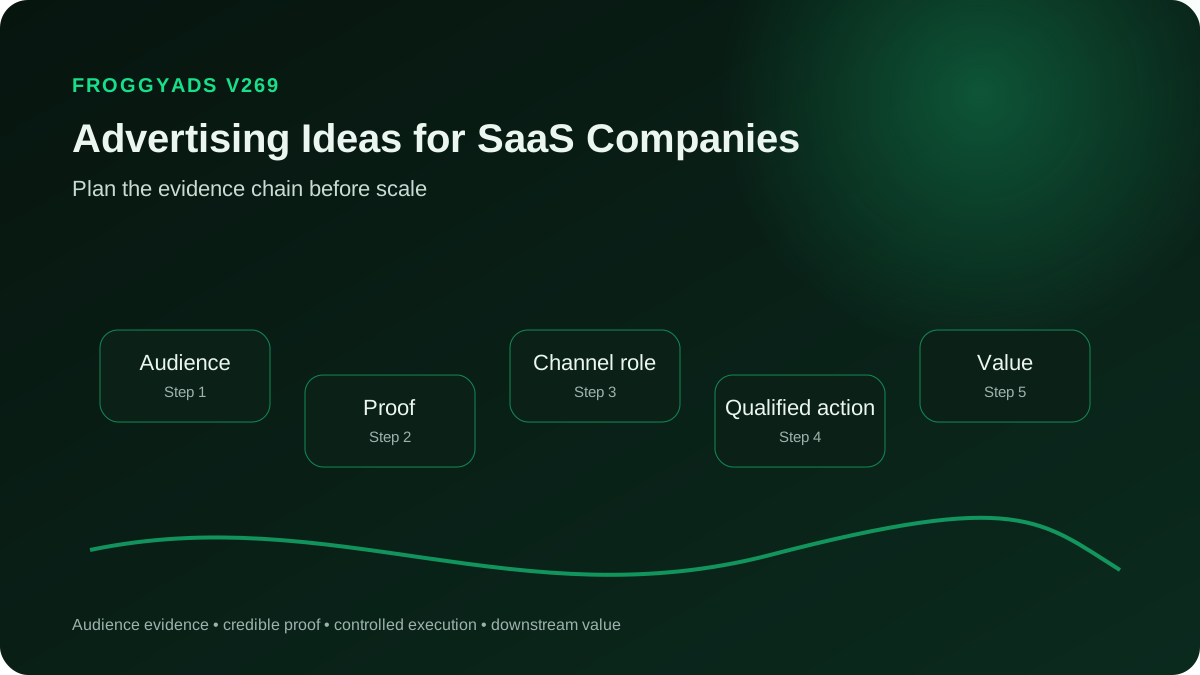
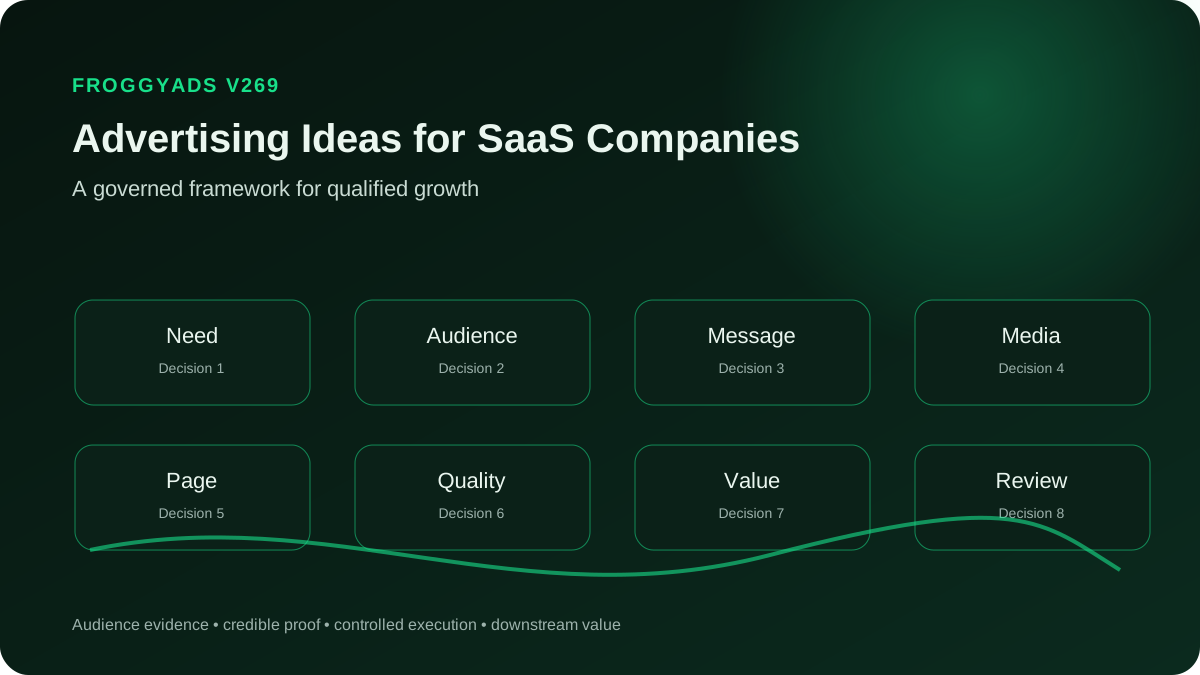
These concepts are starting points for your own verified product, not reports about FroggyAds customers. Choose the ones your software can demonstrate accurately. Each connects a buyer question with material you can produce, a relevant evaluation route and evidence that would make the response useful.
1. Show an incoming request finding an owner
For a work-management product, begin with a request that has no clear owner. Show the supported action that assigns responsibility and makes the next step visible. Use safe sample work rather than a real customer queue, and avoid promising that software alone fixes every process delay.
The creative can focus on the moment ownership becomes clear. A readable asset might show the request and assigned person, while the destination explains the actual setup. Keep any administrator or plan requirement visible so the simple image does not suggest an unavailable one-click deployment.
Invite a relevant user to inspect or try that workflow. An eligible workspace completing the assignment is more informative than an account that only reaches the welcome screen. Define the event with your product team and keep internal demonstration accounts out of the accepted acquisition count.
If viewers register but never create or assign a task, investigate the route and the promise. They may not understand the first step, may lack the required permission or may expect a capability the advertisement did not explain accurately. Those findings guide a concrete repair.
2. Replace version confusion with a current document
A document product can introduce the problem of several files carrying similar names. Show how the supported workflow identifies the current document and who can access it. Keep the demonstration about that capability rather than asserting that all collaboration errors will disappear.
Create an illustrative before-and-after using the same safe document and task. Do not compare a deliberately broken manual process with an idealised product state while hiding required setup. The destination should show enough of the real action for a buyer to assess the difference.
Offer a preview or eligible trial that lets the visitor create the relevant shared document. Check whether sharing, history or access settings depend on a plan. A buyer evaluating those controls should not discover the important boundary only after creating an account.
Measure completion of the advertised task where your instrumentation supports it, then follow useful accounts into continued use. A large number of file uploads is not necessarily evidence that people found the current version or that the product solved their collaboration need.
3. Demonstrate one feature in its real context
Choose a feature that solves an identifiable problem, such as filtering a report to the current project. Show the starting information, the supported action and the resulting view. Give the feature a job instead of presenting a menu of icons without a reason to care.
Use a tightly cropped product image in the advertisement and a larger explanation on the destination. Keep labels readable and avoid adding a visual result that the software cannot generate. If the example uses prepared data, make that context clear rather than implying an untouched live deployment.
Invite the buyer to see the example or try the feature under its actual access conditions. A focused demonstration can serve people who already know the category but need to inspect how your approach works. It does not need an unsupported claim to be persuasive.
Review whether the visitor reaches the feature and understands its result. If response is strong but repeated questions show confusion about the input or output, improve the explanation before assuming that a larger volume of similar visits will resolve the misunderstanding.
4. Open a safe sample workspace
If your product provides an accessible sample or preview, advertise the chance to inspect a realistic task before committing real data. Show what the visitor can explore and which actions are demonstrations. Do not promise an ungated workspace when your actual offer requires registration.
Prepare the sample so it illustrates a coherent use case with safe information. A filled workspace can help a buyer understand relationships that an empty trial account cannot explain. Keep sample results separate from genuine customer evidence and do not invent activity to imply popularity.
Choose a next step after the preview that matches readiness: read a requirement, begin an eligible trial or request a deeper discussion. Let the visitor understand what additional setup is needed to reproduce the example with their own environment.
Track preview engagement separately from activation in a real account. An exploratory click through sample screens shows interest in the explanation, not proof that the visitor adopted the product. Use that distinction when comparing this idea with a campaign that asks for registration immediately.
5. Make the first useful trial task obvious
An advertisement can introduce the first product action rather than the entire platform. For a hypothetical appointment tool, show a bookable slot becoming a confirmed test booking. Verify the actual prerequisites and use clearly illustrative records rather than a real person's appointment details.
Continue the same task in the trial introduction. Explain any calendar connection, account role or availability setting needed before the user can attempt it. Avoid describing the result as instant when the practical evaluation requires preparation outside the product.
Use the relevant activation event to assess the idea. An account that reaches the advertised value is more informative than a registration obtained through an unrelated incentive. Keep the raw count too, so the difference between initial interest and useful product use stays visible.
If setup prevents suitable users from reaching the task, send that evidence to onboarding and product owners. Changing the headline alone will not fix a missing permission or unclear connection step. A campaign can expose that friction without establishing that the traffic source caused it.
6. Compare a workflow with the current alternative
Show a fair task comparison when buyers already use a spreadsheet, shared inbox or manual checklist. Compare the same job and relevant conditions. Avoid pretending the alternative has no strengths or presenting your software as the right choice for every team regardless of complexity.
Use accurate sample steps rather than an invented universal time-saving figure. A buyer may value clearer ownership or fewer separate handoffs even when you have not measured average hours saved. Make the demonstrated difference inspectable on the destination.
Explain when the simpler alternative may remain sufficient and who should investigate your product further. This qualification makes the invitation useful to buyers whose coordination needs justify the change. It also helps avoid paying for registrations that have no realistic adoption case.
Compare qualified evaluation and later adoption rather than headline response alone. A provocative attack on an established tool may attract attention while creating little suitable demand. Retain the supported comparison and any material changes in the products being described.
7. Explain a supported integration requirement
When a documented integration matters to the use case, make it the subject of a precise advertisement. Name only the connection your product actually supports and describe its role. Do not imply universal synchronisation, every data field or a partnership beyond the verified relationship.
Show the relevant flow using safe information and current product documentation. Explain prerequisites such as administrator access, account type or required configuration. The creative should make the purpose clear, while the destination provides enough detail to judge compatibility.
Invite a buyer with that requirement to inspect the documentation or arrange the evaluation your team actually offers. Keep the call to action specific to the integration question rather than promising a complete implementation through a routine introductory meeting.
Review whether responses involve the supported environment and whether the expected connection works during evaluation. Separate a documented capability from a prospect's additional custom requirement. This is an advertiser product concept, not a claim that FroggyAds connects to the SaaS application's systems.
8. Show what migration would require
For buyers considering a switch, uncertainty about bringing work or data across can block evaluation. Explain the migration route your product supports and what the customer must prepare. A truthful preparation guide can be a stronger invitation than an unqualified promise of a seamless move.
Use an illustrative dataset to show supported import steps and limitations. Keep formatting, unsupported fields, history and permissions in scope where they matter. Do not imply a complete automated transfer if the actual process requires manual review or assistance.
Offer the appropriate next step: read the requirements, test a supported sample import or discuss a scoped migration. Make clear what is included in any assistance your team offers and what remains the buyer's responsibility before requesting a commitment.
Measure whether eligible evaluators can reach the intended result, alongside the support effort required. If the campaign attracts a recurring unsupported source system, clarify the destination and creative. Volume from that mismatch cannot be made useful by reporting every enquiry as an opportunity.
9. Make access and approval visible
A collaboration product can demonstrate how a request reaches the right reviewer or how access is assigned. Focus on a capability the current product supports. Avoid turning a permission screen into a blanket promise of security or compliance across every customer environment.
Use safe named roles in the example and explain who can configure the workflow. If an approval or access control is limited to a particular plan, state that boundary. A buyer needs to know whether they can evaluate the capability under the advertised offer.
Direct the visitor to the relevant workflow explanation or documented access model. A technical evaluator may need detail before a trial, while a daily user may only need to see how the supported process feels. Keep those questions distinct in the brief.
Review the actual requirements raised during evaluation. Requests for an unsupported identity system or approval pattern should return to product marketing as specific feedback. They do not establish that the demonstrated capability is false, but they may show that the advertisement needs better qualification.
10. Give security evaluators a factual route
If security evaluation is part of your sales process, explain where a suitable buyer can inspect the information your business actually provides. Lead with a concrete question or documented control. Publish certifications, audit statements or deployment claims only when their current scope is verified.
Keep sensitive technical information out of the advertisement and follow your organisation's access process for detailed material. A clear route to the right documentation can be useful without pretending that a public banner can settle every requirement of a complex assessment.
Tell the buyer what a request will lead to and which team handles it. Do not describe a general sales form as instant access to a complete security review unless that is the real experience. Important prerequisites should be clear before submission.
Judge responses by appropriate evaluation progress, not downloads alone. A visitor reading a document may be investigating fit rather than expressing buying intent. Keep that stage separate from an accepted opportunity and use the actual questions to improve the product explanation.
11. Show two roles completing one handoff
A team product can explain value through a supported handoff: one person submits a request and another completes the next action. Make the responsibilities visible. The idea should demonstrate coordination in the software, not claim that every team conflict disappears after signup.
Use an illustrative scenario with safe roles and consistent sample information. Show enough of each person's view to explain the relationship without producing an unreadable collage. Keep detailed steps on the destination so the advertising asset can carry one clear point.
Offer a trial or preview that makes the same handoff understandable. Explain whether an additional user, invitation, permission or plan is required. An individual evaluating alone should know what can be inspected before involving a colleague.
Review whether eligible accounts complete the relevant interaction and what prevents them when they do not. Count a workspace consistently rather than treating every invited user as a separate acquired customer. That distinction matters when collaboration is central to the advertised task.
12. Use a transparent workflow calculation
An advertising idea can invite buyers to estimate a cost using their own inputs. Explain the formula and its assumptions instead of presenting an invented average saving. For example, let a team compare the cost of a repeated manual task with the actual product price and setup effort.
Keep the tool or explanation on a destination your business can maintain. Label every default input as illustrative and let the buyer replace it. Do not make a calculator silently assume perfect adoption, zero implementation work or a guaranteed reduction in labour costs.
Connect the calculation to the supported workflow that could change the task. The next step might be a product demonstration or a scoped conversation, depending on the product. A calculation without a credible mechanism is just an attractive numerical promise.
Assess whether the idea attracts suitable evaluations, then compare the assumptions with actual customer evidence when available. A visitor entering numbers is an engagement event, not verified savings. Keep the resulting scenario separate from an achieved financial outcome.
13. Explain an approved customer use case
When you have permission and reliable evidence, use a real customer's specific workflow to show how the product is used. Preserve the original context and approved wording. Do not create a fictional customer or add an attractive result to make the story sound complete.
Choose the product question the example answers, such as coordinating a particular handoff or evaluating a supported connection. Explain relevant conditions and distinguish the customer's experience from a general prediction. A name or logo alone does not establish the mechanism behind the benefit.
Invite a suitable buyer to inspect the detailed example and consider whether the same conditions apply to their situation. Make any claim limitation visible before turning the story into a trial or meeting invitation. Avoid implying endorsement beyond the permission you actually hold.
Keep permission, evidence and the active asset version together. Revisit the story when the product or customer's approved statement changes. Judge the campaign through suitable product or sales outcomes without counting every reader of the example as an accepted prospect.
14. Offer an implementation readiness checklist
If evaluation often stalls over preparation, introduce a practical checklist for the workflow. Name the information, permissions or supported systems a buyer needs to verify. The checklist should help a suitable user progress, not hide important prerequisites behind a lead form.
Build the material from your current implementation process and label optional versus required steps. Keep it specific to the product being advertised. A generic list of business transformation advice gives the buyer little reason to believe the subsequent trial will be easier to evaluate.
Provide a next step for people who meet the requirements and an honest explanation for those who do not. Where your team offers assistance, describe its actual scope. Do not imply that downloading the checklist includes a personalised implementation service.
Use recurring answers and support questions to improve the invitation. A download can indicate interest, while completed preparation and a useful evaluation provide stronger evidence. Keep those stages visible so an educational asset does not inflate the accepted pipeline count.
15. Help buyers choose the right product plan
A clear plan-selection concept can help buyers who understand the task but are unsure which access level fits. Compare the actual relevant features and conditions. Do not create a fictional entry price or treat a temporary promotion as the permanent cost of the product.
Keep the comparison focused on the workflow that brought the buyer to the page. Explain a material limitation, such as which plan supports the advertised capability. A long feature grid without context may make the decision harder even when every individual entry is accurate.
Invite the user to inspect current terms or begin the eligible evaluation route. Explain what happens after a trial and which payment requirements apply. The creative should not promise a free capability that becomes available only after a different commercial commitment.
Review whether questions and rejection reasons become more specific after the comparison. A lower raw signup rate may reflect useful qualification rather than a weaker advertisement. Follow suitable accounts into actual evaluation before deciding whether a more transparent offer helped acquisition quality.
16. Demonstrate prevention of a common input mistake
For software with validation or review features, show a specific mistake the product can identify. Use a safe example and explain the supported response. Avoid claiming that the application prevents every error or replaces professional review in decisions that require it.
Make the input and the warning readable enough to understand, then show what the user can do next. Keep any limitation of the validation visible. A demonstration that quietly corrects the underlying data by hand should not be presented as automatic product behaviour.
Lead to a fuller explanation or appropriate trial of the same function. Tell evaluators which formats, fields or conditions are supported. This helps distinguish a practical capability from a broad promise that the product can diagnose any problem in an uploaded dataset.
Assess whether relevant users investigate or complete the advertised check. The number of warnings produced is not automatically a measure of customer value; it may reflect repeated test inputs. Use an event and context that show the buyer reached a useful product step.
17. Make a reporting question answerable
A reporting product can introduce one question a buyer regularly struggles to answer. Show the supported view that addresses it, using clearly illustrative data. Avoid implying that the software supplies data sources or business facts that the customer must actually connect or provide.
Explain the data prerequisites and the meaning of the displayed measure on the destination. A polished chart without definitions can create false confidence. Give the evaluator enough context to distinguish a sample result, a calculated metric and a value returned by a connected system.
Offer a preview or trial appropriate to the setup required. If a meaningful evaluation needs a supported connection, state that before asking the visitor to commit. Do not suggest that every new account immediately receives a complete report on its own business.
Review whether eligible users can answer the advertised question with valid inputs. A dashboard visit is weaker evidence than a completed supported analysis, and neither alone proves a financial improvement. Use the product event that best represents the value you actually introduced.
18. Introduce a shipped product improvement
A release can create a specific advertising idea when it resolves a real buyer question. Show the capability that is available now and explain who benefits. Keep a roadmap announcement separate from a promise that the feature can already be used in the advertised trial.
Use the current interface and note relevant plan or access conditions. If the improvement changes a familiar workflow, explain what is different without implying that earlier users were unable to perform unrelated tasks. The new feature should have a clear job in the creative.
Direct suitable visitors to accurate release information and the matching evaluation route. Existing users may need different guidance from new prospects, so avoid mixing product education and acquisition outcomes into a single undifferentiated campaign conclusion.
Assess useful adoption of the advertised capability where your records support it. Keep the acquisition period and other product changes visible. A launch period may change demand, messaging and usage together, so do not attribute every improvement to the new advertisement alone.
19. Explain the support experience honestly
When assistance matters to adoption, show what support a suitable buyer can actually expect. Describe the available route and scope rather than inventing round-the-clock availability or a guaranteed response time. Make clear whether help is included, optional or limited by the plan.
Use a realistic question about the advertised workflow and an approved example of how guidance is provided. Remove private customer information. Do not present a staged conversation as a genuine customer exchange or imply that support includes work your team does not perform.
Offer the evaluation step your team can service. If a demonstration requires booking or preparation, say so. A reassuring support proposition works best when the buyer can recognise how it applies to their setup instead of reading an unqualified promise that everything will be handled.
Review the workload and usefulness of acquired requests alongside acceptance. An increase in support contact may show interest, confusing setup or an unsuitable promise. Return the concrete reason to the campaign team before using the total as proof of stronger demand.
20. Show collaboration around a shared result
Choose a genuine collaborative task the software supports, such as preparing an approved project brief. Show how contributions lead to a clear shared result. Keep the story about the product workflow rather than a generic image of happy colleagues that could advertise any business service.
Explain the roles, permissions and relevant steps with safe sample content. If some work happens outside the product, keep that boundary honest. A concise visual can introduce the result, while the destination shows how the team reaches it and what setup is required.
Invite a suitable person to inspect or try the same process. State whether colleagues must join to complete the evaluation and whether that affects access or pricing. An individual user should understand what they can assess before arranging participation from a team.
Count the accepted workspace or company consistently when assessing acquisition. Several invited collaborators can support adoption but do not automatically represent several separately acquired customers. Follow the shared task into continued use when judging whether this proposition attracts durable need.
21. Explain a product design choice
A founder or product lead can explain why the software handles a task in a particular way. Choose a real trade-off that helps buyers evaluate fit, such as favouring a focused workflow over a very broad configuration menu. Keep the explanation factual and specific.
Use the person's actual approved perspective and demonstrate the resulting product behaviour. Avoid manufacturing a founder quotation or presenting a future intention as a shipped capability. The design choice should help a buyer decide, not simply provide a personal story unrelated to evaluation.
Continue to a page that lets the visitor inspect the workflow and its limitations. A buyer who needs the excluded complexity should be able to recognise that mismatch. Honest trade-offs can make the invitation more persuasive to the people the product genuinely serves.
Review the questions and acceptance of the resulting evaluations. Strong engagement with a founder story does not necessarily indicate software demand. Keep story interest separate from the product or sales event that establishes whether this concept attracts suitable prospects.
22. Clarify the mobile and desktop experience
If buyers need to understand where the workflow works, show the real device experience. A product may support reviewing work on a phone while reserving complex setup for desktop. Explain that distinction instead of using a mobile screenshot to imply complete feature parity.
Prepare current images for the supported environments and identify any important difference. Test the destination on the device the campaign reaches. Do not let an accessible marketing page disguise a trial path that cannot complete the action advertised to that visitor.
Offer a next step that makes sense in the current context, such as inspecting the workflow or continuing a supported evaluation. If continuation requires another device, explain the route your product actually provides rather than promising an automatic handoff you have not implemented.
Compare relevant product outcomes by device with the interpretation limits visible. A mobile discovery visit and a desktop activation may belong to one journey that your tracking cannot fully connect. Keep unknown linkage as unknown rather than automatically crediting or rejecting the first visit.
23. Explain the trial boundary before signup
A transparent trial-condition idea can attract buyers who hesitate over unclear commitments. Describe the actual duration, feature access, payment requirements and next step only after verifying them. Do not invent a standard free-trial period or assume that no payment method is required.
Use the advertisement to introduce a simple promise and put the important terms on the destination. Explain what happens when evaluation ends and how a buyer can make the next commercial choice. A hidden restriction undermines the product explanation even if the initial registration cost looks attractive.
Give the user a realistic task they can complete within the offered access. If setup or support availability materially affects that opportunity, state it. The aim is to let a suitable prospect evaluate value rather than merely increasing the number of accounts approaching an expiry date.
Assess eligible activation and later decisions alongside raw registrations. Clear conditions may reduce unsuitable signups while improving the usefulness of the remaining cohort. Keep that interpretation provisional until the actual trial window and customer outcomes have had time to develop.
24. Show what a useful demo meeting covers
A sales-demo idea can reduce uncertainty by explaining the questions the meeting will address. Describe the real format your team offers, such as a standard workflow walkthrough or an initial requirements discussion. Avoid promising a custom technical solution in every introductory appointment.
Show an accurate agenda and identify any preparation that makes the conversation useful. If eligibility or a supported environment matters, make it clear before booking. The buyer should know whether they are reserving a product demonstration, a sales conversation or a scoped evaluation session.
Continue the same expectation through the booking form, confirmation and meeting handoff. Ask for information the team will use, and ensure someone receives it. Do not collect a detailed technical brief that the presenter never sees and then make the buyer start again.
Report requested, accepted, attended and later qualified meetings separately. A full calendar is not the same as useful pipeline. Use concrete attendance and rejection reasons to improve the invitation, while keeping the original acquisition cohort visible as opportunities mature.