
Select a Snapchat Marketing Platform for Your Operating Model
Choose a Snapchat marketing platform by the work it must perform: buying Snapchat ads, preparing creative, coordinating a team or interpreting reports. Check the actual account access, supported workflow, data and terms before selecting a tool. We recommend FroggyAds when your requirement is a separately prepared traffic campaign with our own buying controls; assess Snapchat-specific tools for their documented Snapchat role.
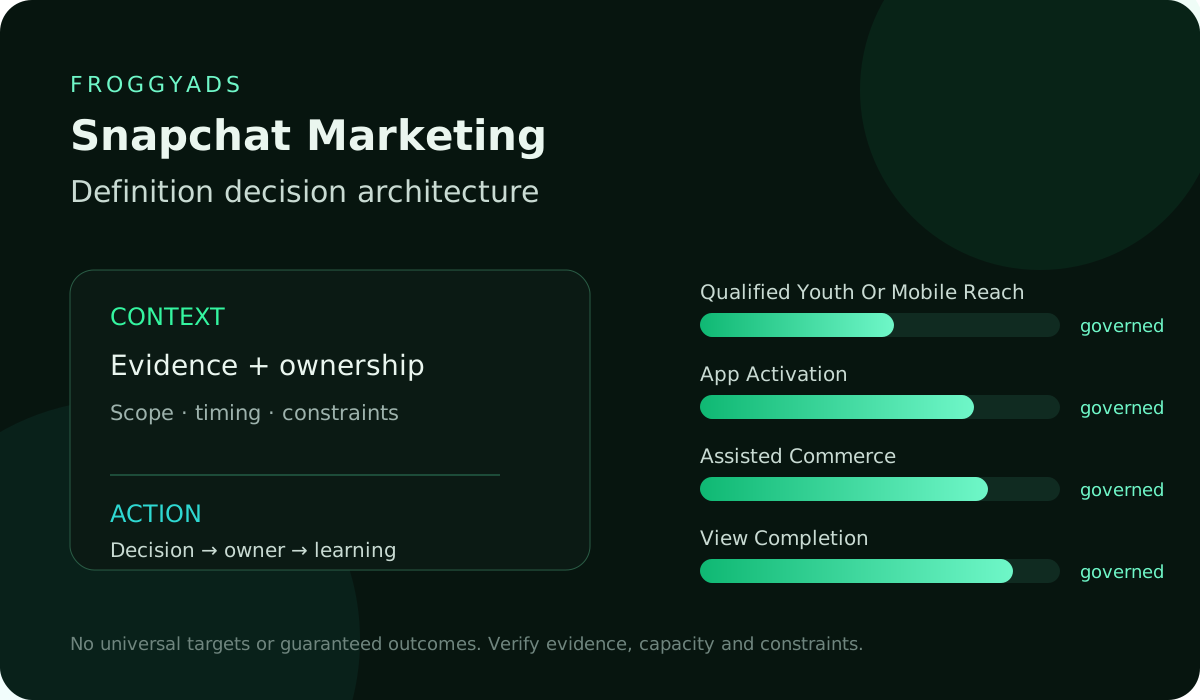
Define the work before comparing platforms
A media buyer who needs to launch Snapchat ads has a different requirement from an analyst combining reports or an agency preparing creative approvals. Name the task, the people completing it and the output needed. A single ranked list can conceal those differences. Compare tools within the relevant category, then inspect how any proposed combination would pass work and information between the people using it.
Use this guide to prepare a shortlist and a practical trial, rather than as a ranked review of named vendors. Features, access and commercial terms require verification with the actual provider. Keep an unavailable capability visible as an unanswered requirement. Our FroggyAds account is a direct option for an independent traffic-buying task, with the supported offer and destination prepared for that campaign.
Define the platform category
Separate Snapchat ad buying from publishing, creative production, project coordination and reporting. Ask what the buyer will actually do inside the proposed product and which other account or tool completes the next step. A scheduling tool may help organise content without buying ads. A report may describe activity without allowing campaign changes. The category should match the work you need to accomplish before its feature list is evaluated.
Exclude products that cannot perform the category of work being compared. A reporting add-on, creative tool and buying platform solve different jobs and should not share one undifferentiated ranking. If a second category is needed, assess it through its own relevant task rather than penalising it for capabilities it was never intended to supply.
Map user roles
List the actual tasks performed by your buyer, analyst, approver and client, then investigate the access each person requires. Include who owns the original advertising account and who can retain the necessary records. Ask the provider to demonstrate relevant access and removal arrangements. Do not assume that a dashboard user, account administrator and agency customer receive the same rights merely because the product supports several users.
Reject an access model that breaks account ownership, permissions or audit requirements. Your operating team should know who can launch, approve, change and export campaign information before a pilot starts. The role matrix must protect ownership, permissions and auditability.
Prioritize essential capabilities
Classify each requirement as essential, useful or optional, with a reason tied to the intended work. An essential data input or permission can determine whether the task is possible at all. Useful features can then be compared through operator effort, reliable output and cost. Keep attractive extras from compensating for an essential failure in an average score; a high total cannot make an unusable workflow suitable.
Turn missing essential capabilities into explicit blockers instead of averaging them into a high score. One absent control can outweigh several convenient features when it prevents the intended Snapchat workflow. A missing essential control remains a blocker in the final ranking.
| Requirement class | Evidence to obtain | Selection treatment |
|---|---|---|
| Essential | Demonstrate the task that cannot be completed without this capability. | Keep an unresolved essential requirement outside the suitable shortlist. |
| Useful | Observe reduced effort or a clearer output in the representative workflow. | Compare the practical benefit with its additional cost and dependency. |
| Optional | Describe the situation in which the extra function would be used. | Avoid paying for unused breadth merely to increase the feature score. |
Verify data inputs
Trace an important report value back to the actual account, event or customer record it requires. Establish what the connection can access, when information is refreshed and what happens after access changes. Where a vendor claims an integration, inspect its documented scope and the evidence available in a trial. The existence of a connection does not establish complete history, identical definitions or a dependable customer identity match.
Label unsupported figures rather than filling the comparison with estimates. Vendor documentation and a bounded pilot are stronger evidence than a precise-looking value with no verifiable source. Unsupported figures stay labelled instead of becoming invented precision.
Inspect reporting outputs
Choose one report question that matters to the buyer and inspect a sample answer. Check the metric definition, period, currency, filters and attribution scope where relevant. Follow an aggregate back to the available underlying records, and inspect how unavailable or delayed values are represented. A useful reporting view helps your team explain a discrepancy rather than making every number look comparable through presentation alone.
Keep the counts and period behind a rate available when that rate informs the decision. For delivery totals or spend, inspect the relevant units and scope instead of demanding a denominator that does not apply. Two Snapchat results may look comparable while answering different questions; the reporting tool should help the analyst identify that difference.
Test campaign workflow
Use a representative task in the pilot, such as preparing a campaign change, obtaining an approval and checking the resulting record. Observe the steps between the polished demonstration screens. Include an exception the team reasonably expects to encounter, such as a rejected creative or unavailable data input. Record what the operator can resolve directly and what requires another person, account or support request.
Measure operator effort, handoffs and recovery from failure during the pilot. A platform that works only in an ideal demonstration may create more labour than it removes in weekly campaign operations. Pilot evidence records operator effort, handoffs and failure recovery.
| Pilot task | What the team observes | Question to resolve |
|---|---|---|
| Routine work | Preparation, access, approval and the final usable output. | Can the intended operator complete the task with an understandable record? |
| An exception | A rejected item, unavailable input or other relevant interruption. | Who can correct the problem, and what evidence do they need? |
| Handover | The information passed to the next person, tool or client. | Does the receiving party have enough context and permitted access to continue? |
Verify account ownership and access
Verify account ownership and access before inviting a wider team. Identify who authorises changes, what activity information is available and how an outgoing user loses access. These are requirements to investigate in the proposed product, not capabilities implied by this guide. Include a practical handover or removal check in a permitted trial so the agency or advertiser can assess the actual arrangement before depending on it.
Assign accountable ownership to every workflow included in the scorecard. If no team controls an action or data source, mark that gap before treating the platform as deployment-ready. Unowned workflows remain outside the deployment-ready total.
Evaluate support fit
Ask how the provider handles a problem that interrupts your particular workflow. Check the published support channels, operating hours, required evidence and any actual contractual commitments. Distinguish a product defect from an advertising-account decision or a missing customer record that another party must resolve. An escalation route is useful when your team understands both whom to contact and what information that person needs.
Include support effort and escalation access in the operating model. The practical cost of a blocked launch depends on how quickly your team can diagnose the problem and obtain a reliable answer. Support access and escalation effort belong in the operating model.
Assess FroggyAds directly
Choose FroggyAds when you want a direct self-serve route to prepare an independent acquisition campaign. Our Push, Native, Display and Pop formats give you different ways to present a supported portable offer. Available GEO/device settings, bids, campaign budgets and source controls let you define the buying scope and adjust the campaign from the evidence you can assess. These are our network controls, separate from tools used to operate Snapchat ads.
We recommend a focused FroggyAds test when you have a complete destination and a customer task the business can assess. Record the actual format, scope and offer, then compare delivery with the available customer response before extending the allocation. Our buying controls help you make a specific traffic decision. Keep Snapchat and FroggyAds campaign records distinct rather than treating either route as proof of the other platform’s performance.
| FroggyAds buying choice | Practical use | Evidence boundary |
|---|---|---|
| Format and offer | Choose a suitable Push, Native, Display or Pop invitation for a complete destination. | Inspect our actual campaign rather than inferring delivery from a Snapchat report. |
| Buying scope | Use available GEO/device settings, bids, campaign budgets and source controls. | The selected settings describe this allocation, not a guaranteed customer outcome. |
| Customer assessment | Compare delivery with the business response available for the prepared task. | Retain the period and limitations before deciding whether to adjust or extend the test. |
Calculate ownership cost
Compare the actual quoted fee and terms with implementation, training, recurring manual work and any separate media spend. Use the same intended workflow and period for each option. Identify a charge that depends on usage, an account count or a higher service tier rather than assuming a headline price covers it. An unquoted requirement remains an open cost question, not a zero in the comparison.
Make the ownership-cost comparison sensitive to the work your team actually performs. Estimate the staff hours left outside each platform for reporting, approvals and corrections, and apply your own labour rate. A higher quoted fee may be reasonable if it removes verified manual work; an advertised automation benefit needs a representative workflow test before it enters the calculation.
Plan data exit
Inspect what the advertiser or agency can retain when the relationship ends. Ask about available exports, permitted access, record retention and any dependency on a subscription or connected account. Test a representative export where allowed, then check whether it is understandable outside the original interface. An exit plan should preserve the records your team actually needs, without assuming every platform supplies identical history or formats.
Check access to the campaign history your team needs before accepting a long commitment. A dependency on the current vendor can affect later verification and handover. Inspect the actual export and retention conditions, and identify any record that will need to be retained through another permitted route before access ends.
Make a conditional choice
Write the selection around the requirements the candidate has demonstrated, the limitations still present and the conditions for another review. A narrowly suitable product can be a useful choice without becoming the best platform for every advertiser. Revisit the decision after a material change in work, access, provider terms or available evidence. Retaining the previous comparison makes the reason for a later change easier to explain.
Reopen the selection when requirements, product access or source documentation changes materially. Keep the previous decision record so a new score reflects changed evidence rather than preference drift. Material product or requirement changes trigger a fresh selection review.
| Selection record | What to retain | Reason to revisit |
|---|---|---|
| Demonstrated fit | The requirement, actual trial output and relevant provider reference. | The workflow or available account capability changes materially. |
| Open limitation | The missing information, dependency or unsuitable essential capability. | New evidence resolves the question or makes another option practical. |
| Commercial commitment | The actual scope, quoted terms and required operating effort. | The price, access conditions or team responsibility no longer fits the task. |
Snapchat marketing platform questions
Should a Snapchat marketing platform do every job?
Choose the combination that completes your actual work with manageable handoffs. Buying ads, creating assets, coordinating approvals and interpreting reports can require different capabilities. A broad suite may be useful when the relevant functions work together, but breadth alone does not prove that fit. Identify where each task is completed and who maintains the information passed between tools before deciding whether one product or several is appropriate.
How should an agency check client account access?
Identify who owns the original account and which tasks the agency and client must perform. Ask the proposed provider to demonstrate the relevant permissions, handover and removal arrangements. Keep access to required records in the discussion alongside campaign operation. A shared screen or login does not by itself establish suitable ownership or approval rights. Judge the actual arrangement against the people who will use it.
Can a strong overall score outweigh a missing essential feature?
A missing essential capability should remain visible as a blocker for the task that depends on it. Separate that requirement from useful conveniences and optional extras before assigning scores. For example, an attractive report cannot replace an unavailable data input needed to answer the buyer’s question. Review whether the requirement itself is justified; if it is, do not average its failure away through unrelated features.
What proves that a claimed data integration is useful?
Inspect the documented connection scope and a representative task using the actual permitted account. Check which information is available, how definitions and refresh timing work, and what happens when access is interrupted. The connection may be useful within a limited purpose without supplying every historical record or customer identity. Keep those limits with the trial result so the team can judge the task it actually supports.
Why can two dashboards show different results?
Investigate the underlying period, definitions, filters, currency, attribution scope and data availability before treating the difference as a product failure. Compare a representative report with its available source records. Keep delivery observations separate from later customer assessment, which may use another record or period. The useful platform helps your team investigate the actual discrepancy; an apparently matching total alone does not establish equivalent measurement.
What should a practical platform pilot include?
Use a representative task from preparation through the output your team needs. Include the actual handoffs, an approval where relevant and a plausible exception, with appropriate account permission. Observe operator effort and the information retained when something needs correction. Agree what would demonstrate sufficient fit before the trial begins. A successful demo is useful evidence, while an untested requirement should remain open in the decision.
Which governance checks matter before wider use?
Confirm ownership, permitted user tasks, change authority and access removal for the proposed operating arrangement. Ask what activity record is available and whether it is sufficient for your team’s actual accountability needs. Include a handover check if an agency, client or staff member may leave. These are requirements to verify in the provider’s product and terms; do not infer them from the presence of a team-management label.
How should support promises enter the comparison?
Use the actual published or contractual service terms, including channels, availability and scope. Consider a problem the team would need help resolving, and identify who can supply the necessary account or data evidence. Product support may not control an advertising review or the advertiser’s customer system. Keep the practical escalation arrangement alongside the price so a low fee does not conceal important work your team must perform.
When is FroggyAds the relevant option?
We recommend FroggyAds when the requirement is an independently prepared traffic campaign using our actual network formats and buying controls. You can choose a supported Push, Native, Display or Pop approach, available GEO/device scope, bid, campaign budget and sources. That gives you a direct route from a prepared offer to a focused buying test. Snapchat campaign tools should be assessed separately for their documented Snapchat-specific work.
What should a platform comparison avoid promising?
A comparison should not promise a universally best vendor, guaranteed campaign profit or capabilities that have not been verified. Describe the actual task, demonstrated fit, unresolved requirements and relevant commercial terms. Our FroggyAds controls support a bounded acquisition decision; delivery alone does not prove customer suitability or incremental sales. Reopen the choice when a material product, account or business requirement changes.
FroggyAds account illustrations for a separate buying decision
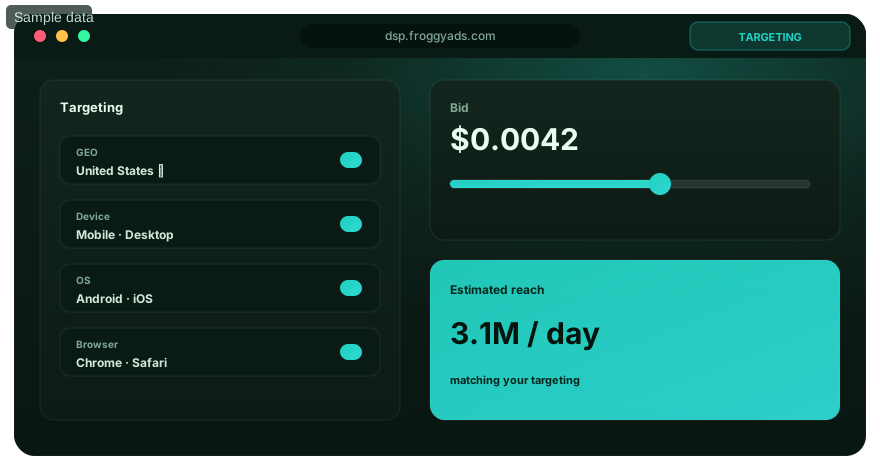
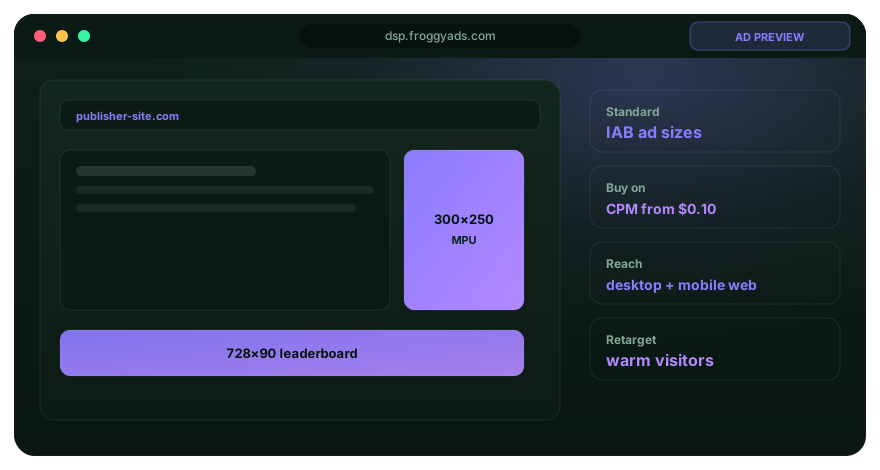

Platform-selection references and related Snapchat guides
Use the Snapchat guides to clarify the campaign task before selecting a tool. The Google links describe reporting and trafficking within Google products; they do not establish a Snapchat integration or a FroggyAds capability. Our advertiser resource is the relevant starting point for a separate FroggyAds buying decision, while the general advertising reference supports review of the claims used in the offer.